Most teams pick an embedded iPaaS based on connector coverage and ease of setup, and then they figure out the pricing model later. That order tends to be expensive. The difference between paying per record synced and paying per active customer is the difference between a bill you can forecast and one that surprises you every time a customer connects something new.
TLDR:
- Per-tenant pricing fixes the core flaw in volume billing: your costs scale with customer count, not sync behavior
- A single customer backfilling years of ERP history can double your invoice under per-call or per-record models
- One tenant connecting multiple tools (QuickBooks + Salesforce) counts once, not twice, under a per-tenant model
- Keep integration infrastructure costs below 10% of a customer's MRR to avoid renegotiations at every contract stage
- Hotglue charges $20-$500/tenant/month on a rolling 30-day window, so inactive customers don't inflate your bill
What Is an Embedded Integration Pricing Model?
When a B2B SaaS company wants its customers to connect QuickBooks, Shopify, or Salesforce directly inside the product, they typically reach for an embedded iPaaS. These tools handle authentication, data sync, and connector maintenance so your engineering team doesn't have to build it from scratch.
The infrastructure powering those connections costs something, and vendors have to charge for it somehow. That's embedded integration pricing: the billing model a vendor uses to charge you for running integration infrastructure on behalf of your customers.
The pricing unit a vendor picks matters more than most buyers realize. Whether they charge per active customer, per API call, or per gigabyte of data moved shapes your unit economics in ways that only become visible after you've scaled. Pick the wrong model and integration costs start growing faster than the revenue they support, which is why SaaS integration pricing and retention are so closely linked.
The Common Pricing Models Used by Embedded Integration Platforms
Most embedded iPaaS vendors settle into one of five billing patterns:
- Per data volume: you pay by records synced, API calls made, or gigabytes moved. The meter runs every time a customer syncs.
- Per connection: each linked account (one customer connecting one tool) is a billable unit. Ten customers connecting Salesforce means ten connections.
- Per task or workflow run: every individual action or step in a sync pipeline costs something. Common in automation-style tools.
- Flat tier: a fixed monthly fee up to a usage ceiling, with forced upgrades as you grow.
- Per tenant: you pay based on how many of your end customers have an active integration, regardless of how much data they move.
The differences between these models are easy to ignore at low scale, but they compound quickly once customers are syncing real data at real frequency, which is part of why choosing the best embedded iPaaS solution is worth doing carefully.
Why Data-Volume Pricing Creates Unpredictable Costs
Volume-based billing sounds rational until a single customer runs a QuickBooks backfill and your invoice doubles. (Nobody budgeted for that. Nobody ever does. Your CFO has a look. You know the look.)
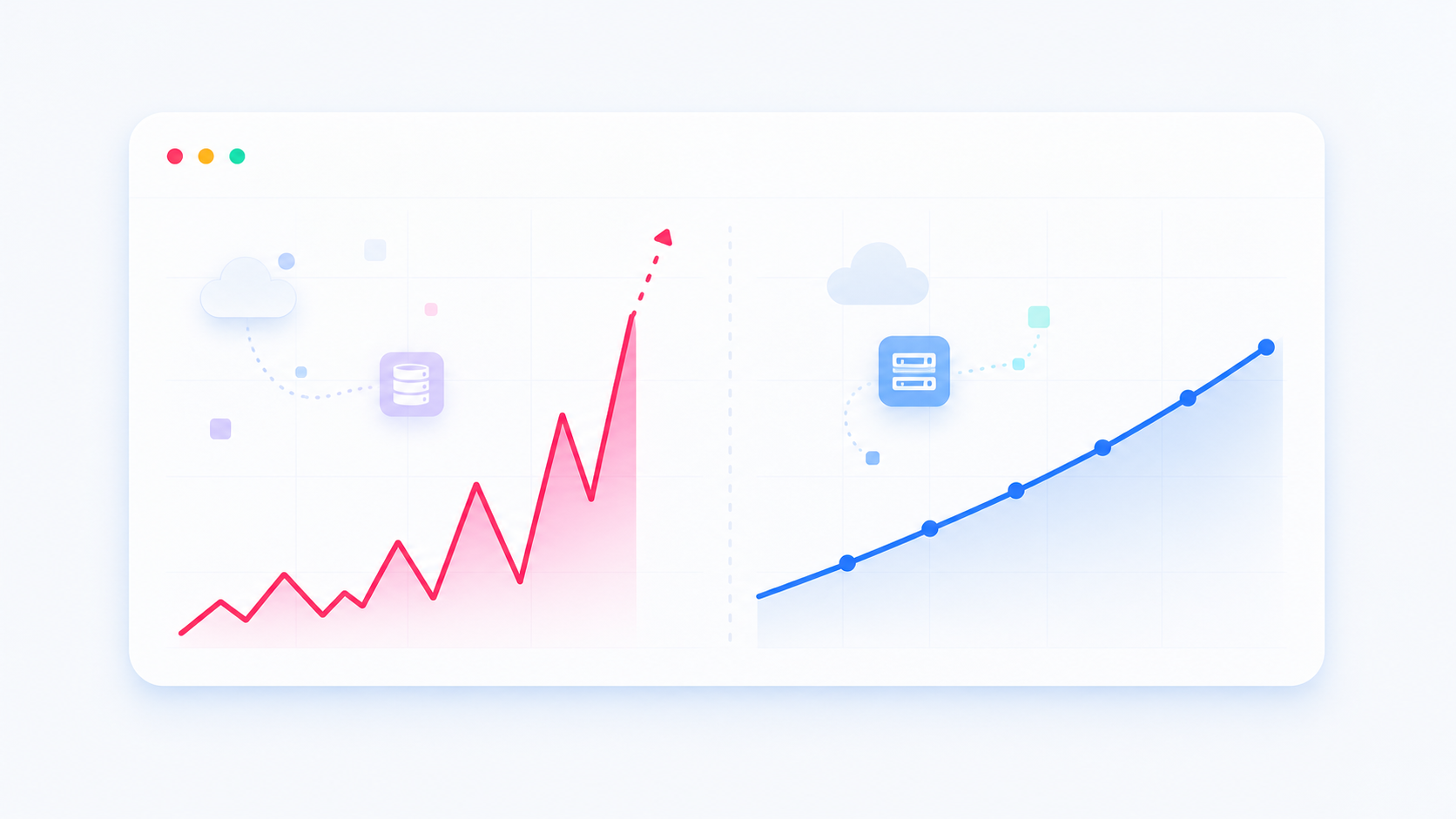
With per-call or per-record pricing, your costs are determined by what your customers do, not by how many of them are connected. A new customer syncing three years of Shopify order history in their first week is indistinguishable, to the meter, from running that sync every day for a year. You pay the same spike either way. As one analysis of usage-based unified API pricing put it, this model turns integration into a variable cost at scale, not with the growth of your infrastructure.
That misalignment is the real problem, and it's one reason product teams weigh an in-house vs. embedded iPaaS decision so carefully. Your finance team wants a number they can put in a budget. Volume pricing makes that number a guess depending on how aggressively each customer syncs, how often they trigger historical re-syncs, and whether any one of them decides to backfill a decade of records in October.
How Per-Tenant Pricing Works in an Embedded iPaaS Context
A tenant, in this context (explained in more detail here), is one of your end customers who has authenticated at least one integration and completed a sync. Your product has 200 customers but only 80 have connected QuickBooks? You have 80 tenants, not 200.
Billing tracks active tenants inside a 30-day rolling window. If a customer syncs on the 28th of one month and again on the 3rd of the next, they count once. That rolling window matters for SaaS products where syncs are event-driven or infrequent, not locked to a tight daily schedule.
One detail worth knowing: a single tenant connecting to both QuickBooks and Salesforce still counts as one tenant. The number of connectors they use does not multiply the unit, which is meaningful if your customers tend to stack integrations as they get more embedded in your product.
The Predictability Advantage: Modeling Your Integration Costs at Scale
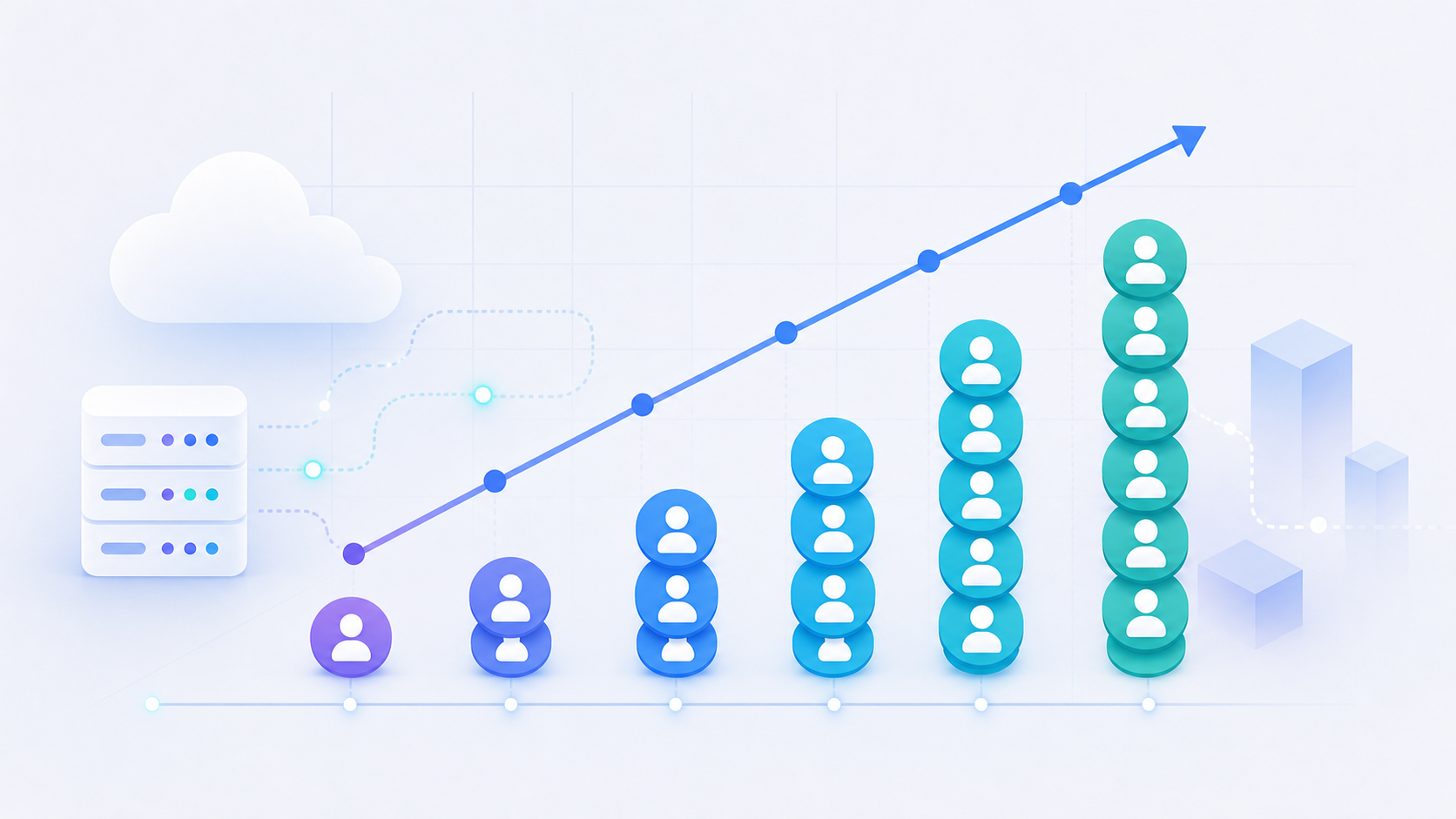
A simple model makes this concrete. Say you start with 50 customers connected to NetSuite at $50/tenant/month. That's $2,500/month. At 300 tenants, $15,000. At 1,000, $50,000. Every number is knowable in advance, and your CFO can plot it against projected customer growth without guessing at sync behavior.
Volume pricing breaks that math. If five of those 1,000 customers are large enterprises backfilling years of ERP history, a single onboarding month can produce a bill that looks nothing like the previous one, a cost swing that rivals the real cost of maintaining integrations in-house.
| Stage | Active Tenants | Per-Tenant Cost ($50/tenant) | Volume Model (est. variable) |
|---|---|---|---|
| Early | 50 | $2,500/mo | $800 - $4,000/mo |
| Growth | 300 | $15,000/mo | $6,000 - $30,000+/mo |
| Scale | 1,000 | $50,000/mo | Unpredictable |
The per-tenant column is a straight line. The volume column is a range, and the upper bound widens every time a large customer onboards or re-syncs historical records.
Hidden Costs That Only Show Up After You Sign
Pricing pages show the headline number. The contract is where things get interesting. Overage rates, for example, are often priced at a materially higher per-unit rate than your base tier, so breaching a tenant or volume cap mid-year can cost more than the original contract implied.
A few questions worth asking any vendor before you sign:
- Does the contract have a hard cap on tenants or data volume, and what happens when you breach it? Some vendors charge overage rates far higher per unit than your base tier.
- Are connectors individually priced on top of the base fee? A subscription that looks reasonable can double once you add five or six connectors your customers actually need.
- Does the billing window reset on calendar months or roll continuously? Calendar resets create a double-billing problem for event-driven syncs. A customer who syncs on January 30th and again on February 2nd counts in two billing periods. A rolling 30-day window avoids that.
- Are certain connector categories, like accounting systems or ERPs, priced at a premium tier separate from the standard catalog rate? (Our Hotglue vs Merge comparison for ERP sync walks through how different vendors handle this.)
These questions require no legal background. They just require asking before you sign, not after the first surprising invoice.
How Pricing Structure Affects What You Build (and How Often You Sync)
Pricing models don't affect just your finance team. They quietly shape what your product team builds.
When you pay per API call or per record synced, the incentive to throttle is real. Engineering teams start asking whether hourly syncs are worth the cost, whether historical backfills should be gated behind a higher product tier, or whether certain connectors should only be available to your largest customers. Those are reasonable cost-control instincts, but they create a product that syncs less, covers fewer users, and requires your team to defend every configuration choice against a variable bill, a tradeoff worth weighing in any Hotglue vs Paragon comparison.
Per-tenant pricing removes that pressure. Whether a customer syncs 500 records or 5,000,000, the cost per tenant stays flat. You can offer daily syncs to your starter tier, let customers run onboarding backfills without watching the meter, and package integrations based on customer value, not infrastructure anxiety.
How to Pass Integration Costs Through to Your Customers
Integration pricing decisions sit squarely with the CPO or Head of Partnerships, typically whoever owns the product packaging and contract structure. Most B2B SaaS companies don't absorb integration infrastructure costs indefinitely. There are three practical ways to recover them.
- Bundle into the platform price: integrations are included as a product feature, and the platform fee is priced to absorb the integration cost. This works well when integrations are core to your value proposition and customers expect them without line-item negotiation.
- Charge a setup or implementation fee: a one-time fee (between $2k and $5k is common) covers onboarding and configuration, with ongoing maintenance folded into a support tier (see our Hotglue vs Prismatic breakdown for how this compares across vendors). This approach is common in finance and ERP-adjacent SaaS where setup complexity is well understood.
- Gate integrations by plan tier: basic connectors live on standard plans, while accounting and ERP integrations sit behind a higher tier. This aligns integration value with contract size and lets you expand revenue as customers grow into more connectors.
A Note on Proportionality
A useful rule of thumb is to keep your integration infrastructure cost below roughly 10% of the customer's MRR. At that ratio, the cost holds up across both SMB and enterprise segments without requiring a separate pricing conversation every time a customer connects a new system.
How to Assess Integration Platform Pricing Before You Commit
Before signing anything, run through these questions with every vendor you're considering, whether that's a dedicated embedded iPaaS or a general automation tool, as our Hotglue vs Zapier comparison covers. For a third-party view, the embedded iPaaS vs. unified API buyer playbook includes a 3-year TCO breakdown comparing build, embedded iPaaS, and per-connection pricing, which is useful context before you commit. The answers will tell you far more than any pricing page.
- What counts as an active tenant? Is it any authenticated user, or only customers who completed a sync in the billing window?
- Does a tenant connecting two integrations count once or twice?
- Are historical backfills metered separately from incremental syncs?
- Do billing windows reset on calendar months or roll continuously?
- Are accounting or ERP connectors priced at a premium tier above the base catalog rate?
- What are the overage thresholds, and what does the per-unit rate look like once you breach them?
Get the answers in writing, not in a demo call.
How hotglue's Per-Tenant Model Is Structured
Hotglue's pricing follows the per-tenant structure described throughout this post. The base license runs $1,500 to $2,500/month, with a per-active-tenant fee of $20 to $500/month depending on the connector type. A tenant counts only if they completed a sync within a rolling 30-day window, so infrequent or event-driven customers don't inflate your bill in quiet months.
The single-tenant rule applies across connectors: a customer connecting both QuickBooks Online and Shopify counts as one tenant, regardless of how many integrations they stack.
Hotglue currently runs across approximately 70+ B2B SaaS customers with roughly 38,000+ active tenants processing an estimated 10 billion records weekly. Pricing is designed to stay below 10% of a customer's MRR, so costs scale proportionally as you grow without triggering renegotiations. Open-source connectors, SOC 2 Type II compliance, and tenant-based billing mean none of those weekly records creates a metered liability on your invoice, a meaningful advantage given ERP integration hidden costs to price and maintain.
Final Thoughts on What Integration Pricing Models Actually Cost You
Your integration pricing model is a product decision as much as a finance one. It determines how freely your team can build, how confidently your CFO can forecast, and how much friction your customers feel during onboarding. Hotglue's per-tenant model is built specifically for this: predictable costs that scale with your customer count, a 30-day rolling window that doesn't punish event-driven syncs, and flat per-tenant billing regardless of how many connectors a customer stacks. It's the rare infrastructure bill your finance team will actually enjoy looking at. Book a demo with hotglue to see how the model holds up against your current growth projections.
FAQ
Which integration platforms charge per tenant instead of per data volume?
Hotglue is one of the few embedded iPaaS vendors that bills strictly by active tenant, not by records synced, API calls, or data volume. Most competitors, including volume-based unified API tools, meter every sync event, which means your costs swing with customer behavior, not customer count.
How should I structure integration pricing so it stays proportional across SMB and enterprise customers?
Keep your integration infrastructure cost below roughly 10% of the customer's MRR, regardless of segment. At that ratio, the cost holds across deal sizes without requiring a separate pricing conversation every time a customer connects QuickBooks, NetSuite, or another ERP, and it scales cleanly as customers move upmarket.
Can a single customer connecting both QuickBooks Online and Salesforce count as two billable tenants in an embedded iPaaS per-tenant pricing model?
With Hotglue's per-tenant model, a customer stacking multiple connectors still counts as one tenant. One customer connecting QuickBooks Online, Shopify, and Salesforce is one billable unit; the number of integrations they run does not multiply the cost.
What counts as an active tenant in an integration platform per tenant pricing model, and does a calendar month reset cause double billing?
An active tenant is any end customer who completed at least one sync within a rolling 30-day window. Rolling windows matter because a calendar-month reset would count a customer who syncs on January 30th and again on February 2nd as two separate billing events, while a rolling window counts them once.
How does per tenant vs per data volume pricing affect what my product team actually builds?
Volume-based billing quietly pushes product teams to throttle sync frequency, gate historical backfills behind higher tiers, and limit which customers can access certain connectors. Per-tenant pricing removes that pressure: whether a customer syncs 500 records or 5 million, the cost per tenant stays flat, so you can offer daily syncs on your starter tier without watching the meter.