Fifteen integration requests in the queue means fifteen conversations your sales team is losing, fifteen reasons a customer might go quiet, and fifteen sprints that never get spent on the thing that actually sets your product apart. If that sounds familiar, the rest of this post is for you. We'll get into what an embedded iPaaS actually is, how it compares to other options, and how to figure out if it's the right call for where your team is right now.
TLDR:
- Integration backlogs cost your roadmap: each connector takes 2-6 weeks to build and breaks every time an API changes
- Embedded iPaaS lives inside your product so customers connect tools like Salesforce or QuickBooks without leaving your UI
- Unified APIs hit a ceiling fast once enterprise customers need custom fields, bidirectional sync, or on-prem systems
- Live integrations create switching costs that CSV imports never do, making your catalog a retention asset worth managing
- Hotglue gives B2B SaaS teams open-source, Singer/Airbyte-compatible connectors with tenant-based pricing and MCP support
What an Integration Backlog Actually Costs Your Roadmap
One integration request is a ticket. Fifteen is a backlog. A backlog means a sales rep explaining to a prospect why your product doesn't talk to NetSuite yet, a customer success manager watching an account go quiet because a sync broke two weeks ago, and an engineering team patching API changes instead of shipping features.
The integration surface area your product needs to cover keeps expanding. Zylo's 2026 SaaS Management Index reports that the median B2B company runs 240 applications with median annual SaaS spend of $20.6 million. Every one of those tools is a potential integration request waiting in your queue.
For a CPO, that backlog is a roadmap tax. Deals stall. Churn quietly compounds. And the engineering hours spent keeping connectors alive are hours not spent on the product that actually makes you stand out.
What Is Embedded iPaaS?
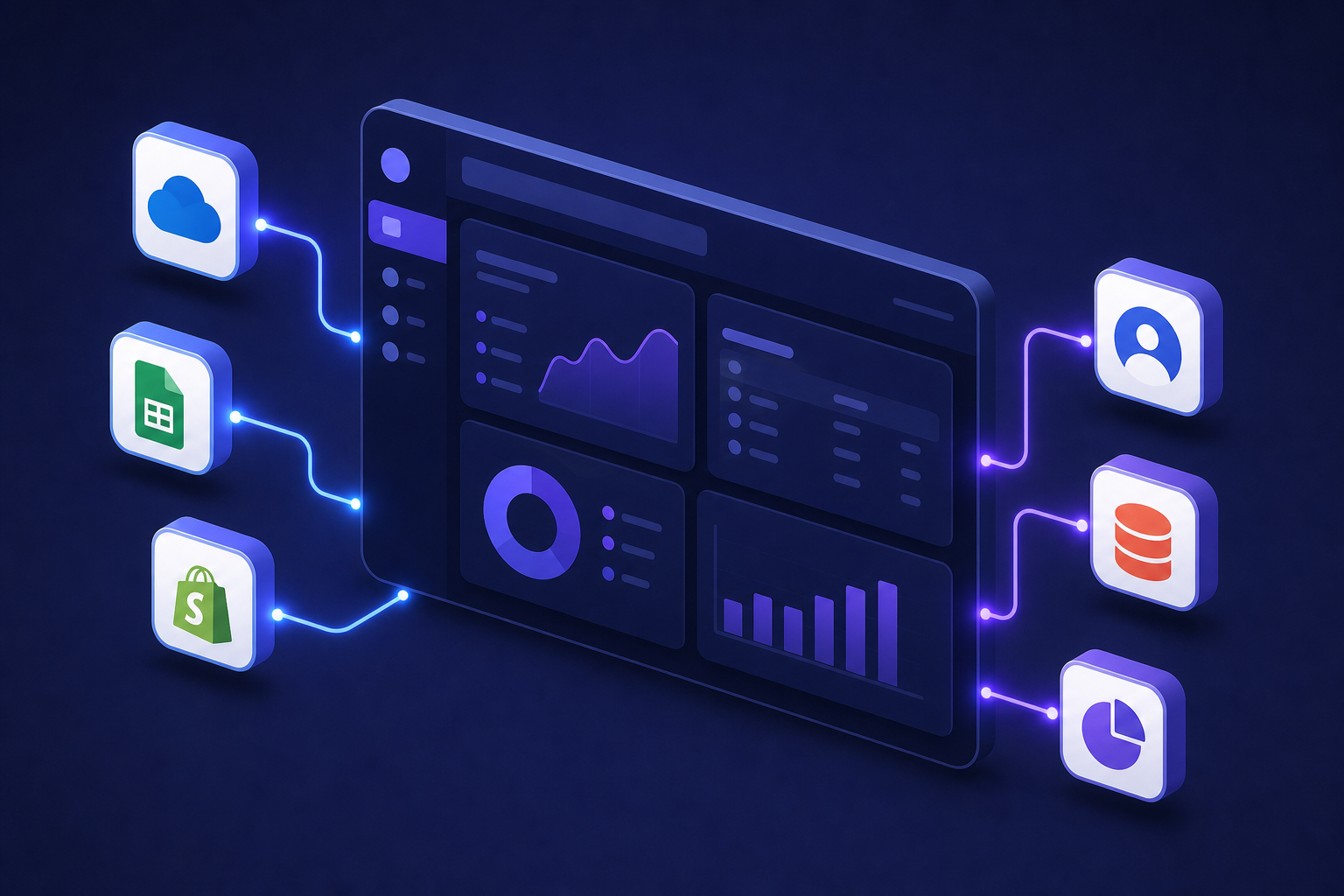
An embedded iPaaS is an integration layer that lives inside your product. Your customers connect their own tools, like Salesforce, QuickBooks, or Shopify, without leaving your interface. From their perspective, the integrations feel native. From yours, you didn't build and maintain every connector by hand.
IBM describes embedded iPaaS as distinct from traditional integration tools because the SaaS vendor, not the customer's IT team, owns the deployment and end-user experience. That's the key shift. With a traditional iPaaS, your customer's IT department figures it out. With an embedded iPaaS, you ship the experience directly inside your product.
For a product team, this translates to something concrete: instead of queuing up a six-week connector build every time a customer asks for a HubSpot sync, you have an integration layer already handling auth, data mapping, and sync scheduling. Your engineers configure, not construct.
Traditional iPaaS vs. Embedded iPaaS
The table below captures the split quickly, but the real difference is who carries the weight.
| Traditional iPaaS | Embedded iPaaS | |
|---|---|---|
| Built for | Internal IT teams | SaaS vendors |
| Who configures | Your customer's IT department | You (the SaaS product team) |
| Where it lives | Separate tool, outside your product | Inside your product UI |
| End-user experience | Leaves your app entirely | Feels native |
| Ownership | Customer-managed | Vendor-managed |
Traditional iPaaS integration platforms like MuleSoft or older Boomi deployments were built for internal IT problems. The buyer is a CIO. The user is a systems integrator. Your customers never see it.
Embedded iPaaS flips the audience. You are the vendor. Your customers are the end users. Integrations live inside your product, and your team controls how they look, behave, and fail. When a Salesforce sync breaks, your customer stays in your product, and your monitoring catches it first.
For a CPO weighing options, the distinction is less about features and more about ownership. With traditional iPaaS, you hand your customers a configuration problem. With embedded iPaaS, you own the experience end to end.
Embedded iPaaS vs. Unified API
Both categories solve the same surface-level problem: your product needs to talk to third-party tools without your team building every connection from scratch. But they solve it differently, and choosing the wrong one creates problems that compound over time.
A unified API normalizes many third-party APIs into one schema. Instead of integrating Salesforce, HubSpot, and Pipedrive individually, you hit one endpoint and get a standardized contact object back. For broad CRM or HRIS coverage where standard fields are enough, this is fast and clean.
The tradeoff shows up when your customers' data doesn't fit the normalized model. Custom objects, non-standard field mappings, bidirectional sync with conflict resolution, on-premise systems like QuickBooks Desktop or Sage 300 CRE: a unified schema either abstracts these away or doesn't support them at all. An embedded iPaaS operates at connector depth, where you control transformation logic, sync scheduling, and field mapping per tenant.
| Dimension | Unified API | Embedded iPaaS |
|---|---|---|
| Coverage speed | Fast, broad | Slower, deeper |
| Custom fields | Limited | Supported |
| Bidirectional sync | Rarely | Yes |
| On-premise systems | Rarely | Yes (varies by vendor) |
| Transformation logic | Minimal | Full control |
Neither is universally better. If you need standard read-only data across 30 CRMs quickly, a unified API wins on speed. If your customers connect QuickBooks Desktop, need custom field mapping, or require sync logic that varies by tenant, you need connector-level depth. Most teams hit the unified API ceiling for CRM integrations right around the time their first enterprise customer asks for something non-standard.
Who Needs Embedded iPaaS and When
The right time to consider embedded iPaaS is usually obvious in hindsight, and frustrating in the moment. Here's how the stages tend to play out.
Early-stage: building by hand
Your first few integrations get built manually. A Salesforce webhook here, a QuickBooks connector there. This works until it doesn't, and the breaking point is almost always a customer request your team can't staff without dropping something else. (Congratulations, you've now promoted one engineer to full-time integration janitor.)
Growth-stage: the wall
This is where most teams find us. Integration requests are coming in faster than engineering can ship them. Every new connector competes with core roadmap work for the same engineers. Sales is blocked on deals. CS is fielding sync complaints. The integration backlog stops being a queue and starts being a drag on every other priority.
Mature SaaS: maintenance tax
Teams managing 20+ connectors face a different problem. The backlog is less about new builds and more about keeping existing connectors alive as third-party APIs change, consuming engineering cycles that should go toward new features.
The trigger for moving to embedded iPaaS is usually one of three things: a deal that stalls because a connector doesn't exist, an engineer who quits partly because in-house integration work is all they do, or a Q3 roadmap review where half the items are maintenance. The CPO or Head of Partnerships typically owns the decision to move, since they feel the deal impact directly, while engineering leads the evaluation and implementation once the platform is chosen.
Key Features to Look For in an Embedded iPaaS
When you're mid-eval, vendor demos all look roughly the same. Here's what to actually pressure-test:
- Connector depth, beyond raw count. Does the vendor support QuickBooks Desktop, on-premise ERPs, or legacy accounting systems? Breadth is easy to claim; on-prem depth is where most tools quietly drop off. When choosing the best embedded iPaaS solution, these details separate real depth from marketing claims.
- Code-first flexibility. Can your engineers write custom transformation logic in Python, or are you locked into a visual workflow builder that breaks the moment something non-standard comes up?
- Scheduling control. Look for per-connector cron scheduling, not one global sync cadence. Salesforce hourly, QuickBooks nightly, and Shopify real-time should all be configurable independently.
- Error handling and observability. Syncs fail. The question is whether you find out before your customer does. Job-level health monitoring and alerting are required, not optional.
- Security and compliance. SOC 2 Type II is the floor. Ask directly whether the vendor stores customer data or only processes and delivers it.
- Embedding options. Widget, Magic Link, API-only: you want deployment flexibility depending on your product's frontend constraints.
- Pricing predictability. Volume-based billing creates unpredictable costs at scale. Tenant-based pricing, where you pay per connected customer instead of per record, is far easier to model into your own pricing.
The Build vs. Buy Decision for SaaS Integrations
Building a connector in-house feels cheaper than it is, and there are compelling reasons not to build user-facing SaaS integrations yourself. The first version ships in a few weeks, engineering feels good, and the cost looks like one sprint. What the budget never captures is month eight, when a third-party API releases a new version, or month fourteen, when a second customer uses the same connector with a different field schema and needs a rebuild.
The real cost math runs closer to 12 to 24 months. Inovaflow's B2B SaaS integration strategy guide argues that measuring true multi-year cost is what makes the build vs. buy decision defensible internally, and most teams dramatically undercount it.
A rough framework for your finance and engineering conversations:
- Initial build: 2 to 6 weeks of engineering time per connector, depending on API complexity
- API versioning: third-party APIs change, and each breaking change requires engineering time to diagnose, fix, and re-test
- Schema drift: customer A uses QuickBooks with standard fields; customer B uses QuickBooks with custom classes and locations, same connector but a different rebuild. This is part of why ERP integrations are harder than you think
- Connector count scaling: at 5 connectors, maintenance is manageable; at 20, it consumes a meaningful slice of an engineer's quarter
The buy decision wins when you add those lines up clearly. An embedded iPaaS trades a recurring maintenance burden for a predictable cost, and it frees your engineers for the roadmap work that actually compounds in value.
How Embedded iPaaS Fits Into an Engineering Team's Workflow
Engineers want ownership, and handing off a piece of infrastructure to a third-party tool can feel like ceding control. In practice, an embedded iPaaS changes what engineers own, not whether they own it.
With hotglue, connectors are open-source and Singer/Airbyte-compatible. Your team can read the full source, fork a connector, and extend it when a customer needs a non-standard field or an edge case the default config doesn't cover. No black box to argue with.
The transformation layer runs in Python. Engineers write actual transformation logic using Pandas or Dask, commit it to Git, and roll back if something breaks.
The architectural argument here is about blast radius. When Salesforce releases a breaking API change, the connector update stays isolated from your core product code. Integration infrastructure and product code stay separate by design, so a sync regression never touches your billing module.
What changes is the nature of the work. Engineers configure, extend, and tune instead of reconstructing connectors from scratch every time an API version changes or a customer's data schema diverges.
Integrations as a Revenue and Retention Driver
Most teams treat integrations as a checkbox. A prospect asks for a NetSuite connector, engineering builds it, sales closes the deal. Repeat. That reactive loop keeps you barely ahead of requests instead of using your integration catalog as something that generates pipeline on its own.
A published catalog of connectors does work before a sales call happens. When a buyer searches for whether your product connects to their accounting system, a visible, well-documented integration page answers that question without a rep involved. Connectors reduce friction at the top of the funnel, and at closing too.
Churn is the sharper argument. Customers who have connected their CRM, their accounting system via unified API, or their payroll tool to your product carry a switching cost that a customer on manual CSV imports simply does not. Every live integration is a data flow that would break on a competitor. The retention math favors depth over breadth for its own sake.
Treating your integration catalog as a product line with its own roadmap, its own launch moments, and its own GTM motion is what changes the equation, and it's worth looking into Workato alternatives for SaaS embedding before committing to a platform. Announce new connectors. Segment them by buyer persona. Let your CS team use the catalog in renewal conversations as evidence of continued investment.
An embedded iPaaS is what makes that shift possible without adding headcount to the integration queue.
How AI Agents and MCP Are Changing Integration Requirements
Scheduled batch syncs were built for a world where data moved on a cadence. An agent that needs to pull a customer's invoice history mid-conversation, or write a journal entry triggered by an approval workflow, cannot wait for the next hourly job to run.
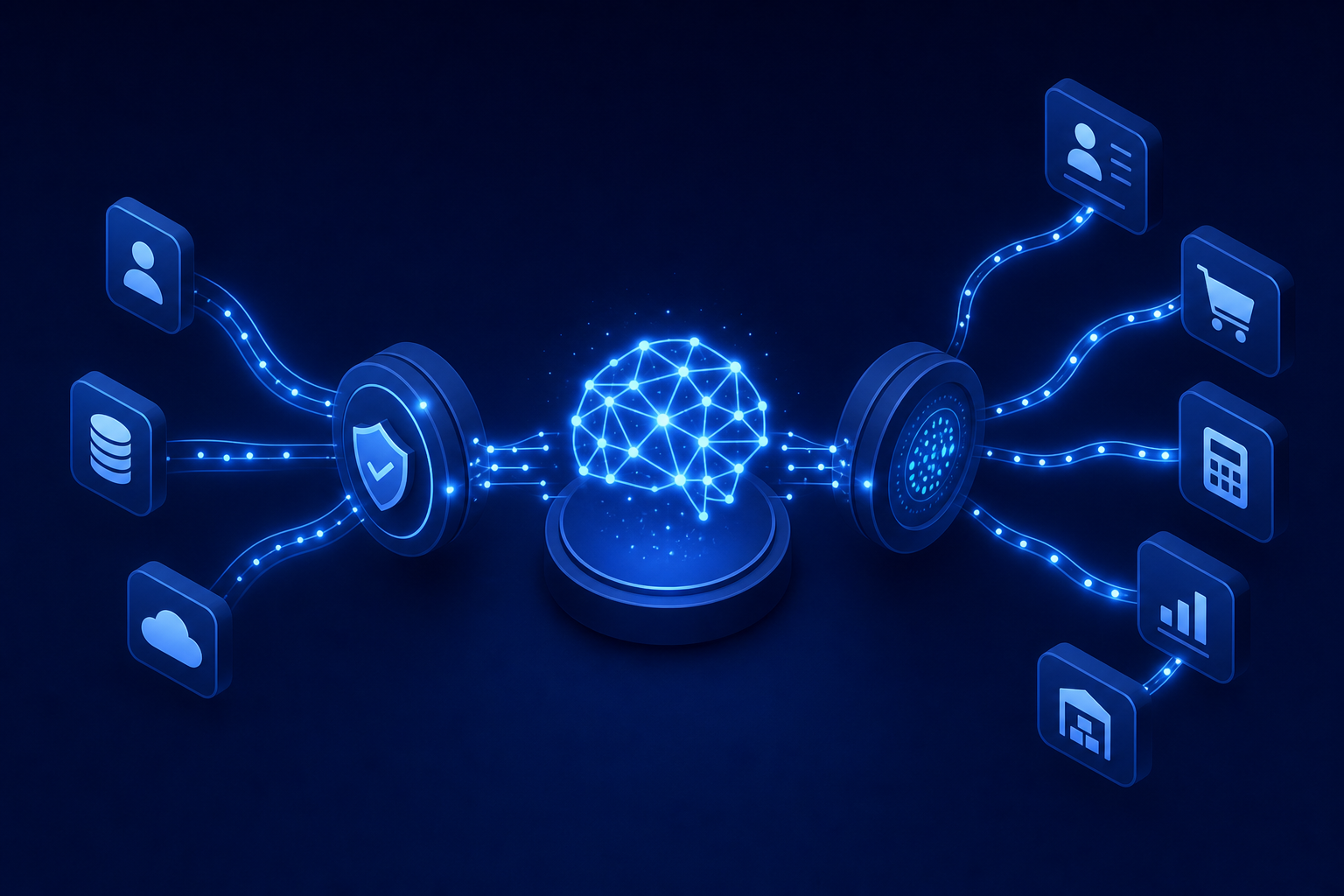
MCP for B2B SaaS integrations (Model Context Protocol) is becoming the handshake between AI agents and the third-party systems they need to act on. Where traditional integration flows pulled data into your backend on a schedule, an MCP-compatible layer gives an agent authenticated, scoped access to a connected system at the moment it needs it. The integration layer becomes a live gateway, not a pipeline.
For product teams mid-evaluation, this matters in one concrete way: an embedded iPaaS that handles only batch ETL will not cover this use case. You want a vendor already investing in MCP-native access so you are not rebuilding your integration layer in eighteen months when your product ships agent features.
Hotglue's Composite MCP gives each tenant a single authenticated MCP endpoint that exposes tools from their connected systems. A tenant who has linked Salesforce and QuickBooks gets namespaced tools scoped to their credentials, compatible with the same widget or Magic Link auth they already use. The agent gets live access without a separate OAuth flow for every system.
How hotglue Handles Embedded iPaaS for B2B SaaS Teams
Hotglue is the embedded iPaaS built for B2B SaaS product teams who need customer-facing integrations without the ongoing maintenance burden. Open-source connectors you can read and fork, a Python transformation layer your engineers control, and tenant-based pricing that scales predictably as your customer base grows — it's the most practical embedded iPaaS on the market for teams who need depth, not just breadth.
A few concrete numbers: hotglue processes roughly 10 billion records weekly across 38,000+ active tenants. Chargebee documented approximately a 90% reduction in integration implementation time after moving to hotglue. Inventoro shipped 40+ integrations in their first three months, compared to roughly six months per integration at their prior in-house pace.
Connectors are Singer and Airbyte YAML compatible, so your team can extend or fork any connector when a customer's data model diverges from the default. Pricing counts active tenants, not records moved, keeping the bill predictable as you scale.
The typical entry point is a single painful integration request that engineering can't staff without dropping something else. Once built, that connector becomes reusable across every subsequent tenant who needs it.
Final Thoughts on Choosing the Right Embedded iPaaS for Your SaaS Product
The integration question is never really about one connector. It's about whether your team is building the product that sets you apart, or keeping the lights on for sync jobs. An embedded iPaaS moves that balance back toward the work that actually matters. When the timing feels right, book a demo and walk through your specific use case.
FAQ
What is the difference between a unified API and an embedded iPaaS for SaaS integrations?
A unified API normalizes many third-party APIs into one schema, which works well for standard read-only data across many connectors. An embedded iPaaS operates at connector depth, giving you control over transformation logic, bidirectional sync, custom field mapping, and on-premise systems like QuickBooks Desktop or Sage 300 CRE. That is coverage a normalized schema either abstracts away or drops entirely. Most teams hit the unified API ceiling the moment their first enterprise customer asks for something non-standard.
How do I let my SaaS customers connect their own ERP without my engineering team building each connector?
An embedded iPaaS sits inside your product UI so end users connect their ERP directly without leaving your app, while the integration layer handles auth, data mapping, and sync scheduling on your behalf. With hotglue, connectors for systems like NetSuite, QuickBooks Desktop, Sage 300 CRE, and Acumatica are open-source and Singer/Airbyte-compatible, so your engineers can read, fork, and extend any connector when a customer's data model diverges from the default, with no rebuilding from scratch every time a schema changes.
What embedded iPaaS platforms support AI agent and MCP authentication workflows?
Most embedded iPaaS tools were built for scheduled batch ETL and do not cover the live, on-demand access that AI agents require. See the MCP section above for full details on Composite MCP and per-tenant scoping.
How quickly can hotglue stand up a new integration connector for a platform my product doesn't yet support?
Once hotglue has sandbox API access, a new connector typically goes from test account to live connector in one to two weeks. That turnaround speed is what makes the build vs. buy math work at the tail end of your integration catalog, where one-off or bespoke connectors would otherwise sit in engineering's backlog for months competing against core roadmap work.
How does an embedded iPaaS help B2B SaaS teams move from a reactive integration backlog to a proactive integration strategy?
A reactive integration backlog means every new connector request competes directly with product roadmap work for the same engineers. With an embedded iPaaS, once a connector is live for one customer it becomes reusable across every subsequent tenant who needs it, with per-tenant field mapping layered on top, so each connector you ship gets amortized across your entire customer base instead of being treated as a one-off build.