If you pulled QuickBooks report data before May 2026 and have not touched your integration since, your pipeline is worth a closer look. The Reports API migration removed certain fields, changed how rows are structured, and dropped some endpoints entirely without any noise in your logs. The failures are silent, which is what makes them worth catching now and not later.
TLDR:
- Intuit retired its classic Reports API backend on May 22, 2026, silently breaking ETL pipelines with no errors thrown
- v2 removes
idfields fromColData, truncatesTransactionListrow counts, and restructures subtotals insideSectioncontainers - Any report endpoint not in Intuit's official documentation is now a 404.
TransactionDetailByAccountis gone with no redirect - Fixing v2 breakages requires 4 changes: drop
ColDataID reads, replace deprecated report names, rewrite row iteration, and add row count validation - hotglue monitors third-party API changes and migrates connectors before breakages reach your customers
Why QuickBooks Reports Data Is Embedded in So Many ETL Pipelines
QuickBooks holds an estimated 82.55% market share in the small business accounting category, which explains why so many ETL pipelines eventually end up pulling from it.
The more interesting question is which data they pull. Raw transactional entities like invoices, bills, and payments only get you so far. The real value sits inside the Reports API: aggregated Profit & Loss statements, General Ledger detail, TransactionList exports, and Balance Sheet snapshots. These are the outputs finance teams actually trust, and they map cleanly onto reports your customers are already running inside QuickBooks. One API call, structured output, ready to pipe into a warehouse or reconciliation workflow.
What the QuickBooks Reports API v2 Migration Actually Is
Intuit retired its classic reports backend on May 22, 2026, completing a migration to a rebuilt reports service that had been in progress for months. If your integration was built against the old service and you missed the announcement, you are now pointing at a backend that no longer exists in its original form.
Intuit flagged the change in advance and provided a testing_migration parameter you could append to existing report requests to preview the new response structure before cutover. Teams that used it caught breakages early. Teams that skipped it found out in production.
The motivation was infrastructure improvement, not a deliberate breaking change. The side effect is that some response structures changed, certain undocumented reports were dropped entirely, and integrations that assumed stable output shapes stopped working without warning.
The Breaking Changes That Are Actually Silently Killing Syncs
Four specific changes account for most of the silent failures teams are diagnosing right now. None of them announce themselves. They just quietly make your data wrong, which is everyone's favorite kind of bug.
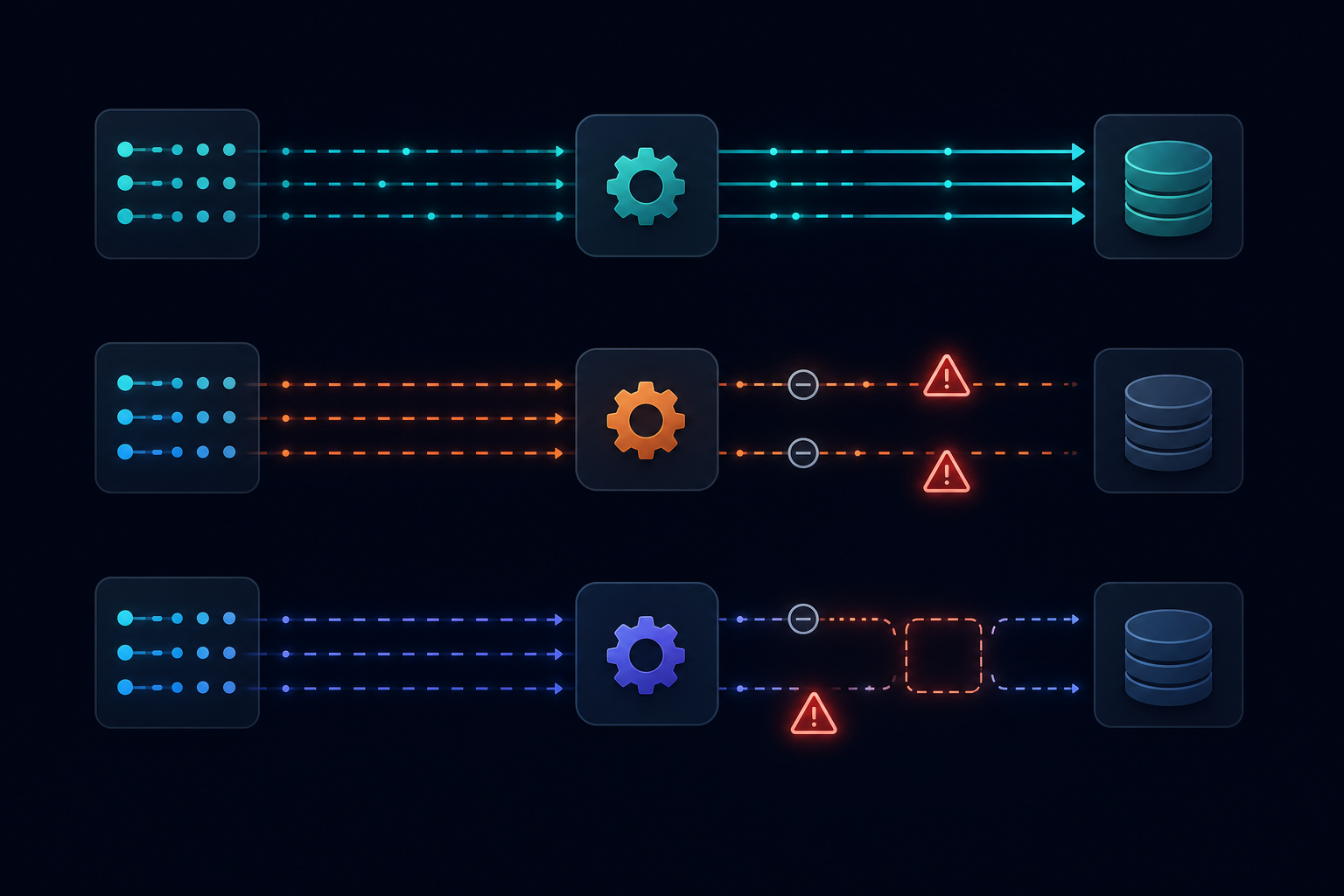
idfields removed fromColData: The new service strips transaction-levelidfields from column data inTransactionListandTransactionListWithSplits. If your pipeline uses those IDs to match or deduplicate records downstream, it is now receiving empty values with no error thrown.- Reduced row counts in
TransactionList: Developers testing against the new service have reported fewer rows returned for the same date range, with no explanation in the API response itself. Your sync completes successfully and returns a 200, but the data is incomplete. - Semantic mismatches in
ProfitAndLossDetail: Field values in the new response do not always map 1:1 to what the classic service returned. Amounts, groupings, and subtotal rows have shifted in ways that break downstream aggregations built on the old structure. - Inconsistent
GeneralLedgeroutput: Responses for the same query have varied between calls during the migration window, making it difficult to distinguish a data issue from a service issue.
None of these failures produce obvious errors. Your job runs, your pipeline processes, and your warehouse quietly fills with wrong or incomplete data.
Which Reports Are Being Deprecated Entirely
Intuit's migration deprecated all non-documented reports from the classic service. If a report endpoint was not in the official documentation, it is gone: no replacement, no redirect, just a 404.
The most commonly cited example is TransactionDetailByAccount. Teams that built ETL pipelines against it because it returned exactly the data shape they needed are now hitting a dead endpoint. A clean failure is actually the better outcome. The worse scenario is a pipeline that silently routes around the missing report and fills downstream tables with nothing.
If you are unsure whether your QuickBooks integration relies on a documented report, check the official QuickBooks Reports API reference. If your report name does not appear there, assume it is gone.
How the v2 Response Structure Differs From Classic
The outer response envelope looks similar enough to fool a quick test. Both versions return a Rows object containing Row arrays, with ColData carrying the actual values. The differences surface in nested structures and field-level assumptions your parsing code probably hardcoded years ago.
| Element | Classic | v2 |
|---|---|---|
Transaction id in ColData | Present as id attribute | Removed |
| Subtotal rows | Expressed inline | Restructured as separate type: "Section" rows |
| Column metadata order | Stable | May shift based on requested columns |
| Nested group depth | Flat in some reports | Additional nesting layer added |
The ColData change is the one most likely to cause silent failures. In v2, the id attribute attached to entity cells in Classic responses is simply gone. The cell value is still there; the ID is not. No error, no warning. If your ETL pipeline used those IDs for deduplication or cross-sync correlation, it will now produce incomplete records without any indication something went wrong.
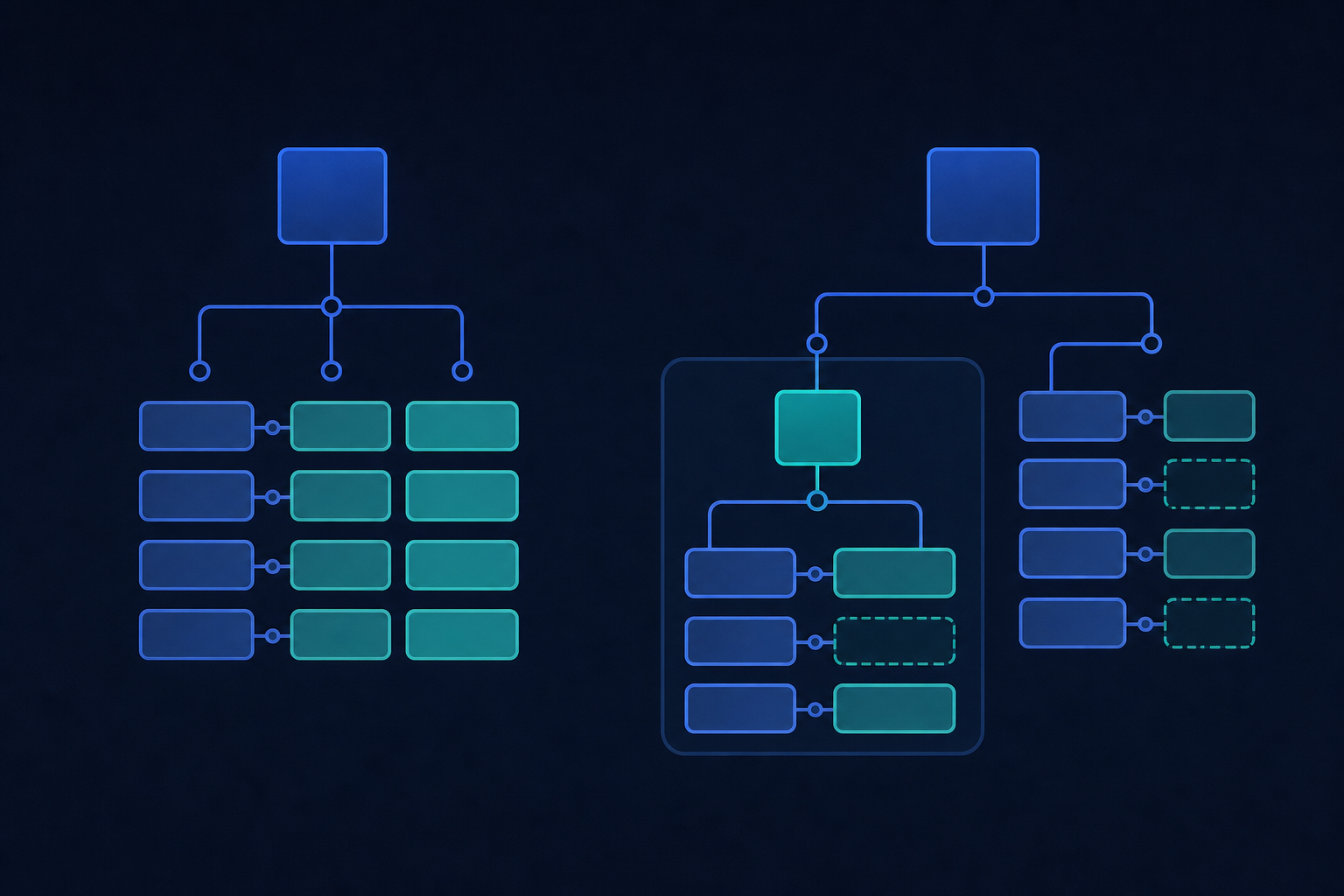
Subtotals deserve separate attention. Classic responses embedded subtotal rows at the same nesting level as detail rows, making them easy to filter with a simple row-type check. In v2, subtotal rows are grouped inside Section containers with their own metadata. Any transformation script that iterates over Rows and skips non-detail rows by type needs to account for this container structure, or it will silently drop grouped data.
Which Pipelines Are Most at Risk
Three patterns put your pipeline at the highest risk of silent failure. In most cases, the engineer who built the original integration is no longer at the company. If that's you, congratulations on still being around for cleanup duty.
- Pipelines pulling
TransactionListorTransactionListWithSplitsfor general ledger sync are the most affected by theidremoval and row count reduction. If your downstream warehouse uses those calls as its primary GL data source, treat the data as compromised until you verify. - Pipelines that extract entity IDs from report
ColDatainstead of querying entity endpoints directly. This pattern was common because it saved an extra API call. In v2, those IDs are simply gone. - Any integration calling a report by name that does not appear in the official documentation. Those endpoints are dead.
QuickBooks Desktop is a separate concern, and if you're syncing data both ways with customers, having bidirectional integrations in place matters more than ever. Desktop uses the QuickBooks Web Connector, not the QBO REST API, so this migration does not affect it. If your sync runs through a Windows agent against a Desktop company file, you are not exposed to these v2 changes.
The Difference Between Report-Based and Entity-Based QuickBooks Sync
The Reports API returns data shaped the way QuickBooks displays it for users: formatted subtotals, grouped sections, pre-aggregated balances. Entity endpoints return raw records. One is a presentation layer; the other is source data.
Report-based sync works well when you need a formatted output your customers already recognize, like a Profit & Loss or Balance Sheet, which is one reason QuickBooks sits high on any list of accounting platforms to integrate with. The problem is that formatted reports were never designed as a stable data contract. Intuit can change how a report groups rows or which fields it exposes without technically breaking the underlying data model. That is exactly what happened with v2.
Entity-based sync pulls directly from Invoices, Bills, JournalEntries, Payments, and similar endpoints. The schema there is versioned and documented as a proper API contract, making it far more durable for transactional GL data going into a warehouse, especially when a pre-processing layer normalizes it before it lands.
The catch: entity endpoints do not give you pre-aggregated summaries. If your downstream system needs a formatted P&L or grouped Balance Sheet, you still need the Reports API. The right integration architecture is usually both: entity endpoints for transactional sync, Reports API only where the aggregated output is the actual product requirement.
How to Test Your Integration Against the New Reports Service
Run each report call with your current parameters and capture the full raw JSON response before parsing anything. You are already on v2 post-cutover, so testing now means validating live calls and comparing output against what your pipeline expects.
Here is a practical checklist:
- Run each report call and capture the full raw JSON response before parsing. Check
ColDataentries for any object that previously carried anidattribute; if your code readscell.idanywhere, that value is now null or absent. - Compare row counts for
TransactionListagainst a known date range with historical data. A count drop with no error is the classic v2 symptom. - For
ProfitAndLossDetail, compare subtotal row positions. In v2 they are wrapped inSectioncontainers, so any script iterating overRowsdirectly will skip them. - Confirm every report name you call appears in the official QuickBooks Reports API documentation. If it is not listed, it is gone.
- Cross-reference row totals from the API response against totals visible in the QuickBooks UI for the same date range. Discrepancies indicate a semantic shift in how the new service calculates or groups values.
The places most worth instrumenting are anywhere you read id off a ColData cell, and anywhere you filter rows by type without accounting for Section wrappers.
How to Update Your ETL Pipeline for v2 Compatibility
Four specific fixes cover the majority of v2 breakages. Work through them in order.
- Stop reading
idfromColDatacells. Audit every place your code accessescell.idor similar attributes off column data. Replace those lookups with a separate call to the corresponding entity endpoint (/invoice/{id},/bill/{id}, etc.) to fetch the authoritative ID. Yes, this adds API calls. The alternative is silent deduplication failures. - Swap deprecated report names. If you are calling any report not listed in the official Reports API reference, replace it now. For
TransactionDetailByAccount, the nearest documented substitute isTransactionListfiltered by account, though the output shape is not identical. - Rewrite row iteration to handle
Sectioncontainers. Any script that loops overRowsand checksrow.typeto filter out subtotals needs a second pass for rows nested insideSectionwrappers. Update the logic to recurse intoSectionchildren before applying type filters. - Validate row counts explicitly. Add a post-sync check that compares the row count returned by
TransactionListagainst the previous run for the same date range. A count drop with a 200 response is the signature v2 issue. Surface that as a warning instead of letting it pass silently.
Ongoing API Maintenance Is the Hidden Cost Nobody Budgets For
The v2 migration is a contained incident. The maintenance problem it represents is not.
QuickBooks has changed its Reports API before and will change it again. OAuth token refresh behavior, rate limit thresholds, field deprecations across entity endpoints: Intuit ships API updates on its own timeline. An Intuit Developer blog post announcing the change is not the same as your engineering team knowing about it and having capacity to act.
When you built the integration in-house, you implicitly signed up for all of this. As a CPO or Head of Partnerships, that cost lands on your roadmap every time a third-party API moves — engineering time that was earmarked for product features gets redirected to API archaeology instead. In our experience, teams spend one to two weeks on a single migration like v2: scoping the changes, auditing the pipeline, rewriting row iteration logic, updating entity lookups, and verifying output integrity across report types. That is before QA coordination, customer-facing impact assessment, or downstream systems enter the picture. That is a lot of sprint capacity for something your customers will never notice when it goes right — and definitely notice when it goes wrong. It is worth weighing against tenant-based iPaaS pricing for an outsourced approach.
The organizational question nobody asks during integration design is: who owns this permanently? If the answer is "whoever has capacity when something breaks," you already know how it plays out.
How hotglue Handles QuickBooks API Migrations for B2B SaaS Teams
When a breaking change like the v2 Reports API migration lands, hotglue's integrations team catches it before it reaches your customers. We actively monitor third-party API changes and migrate connectors to updated endpoints, so your engineering team is not the one doing triage at midnight.
For QuickBooks, our connector already supports Profit & Loss Detail in the unified v2 schema, with the same report structure available across QuickBooks Online, QuickBooks Desktop, and Xero. Your downstream systems get a stable, predictable shape regardless of which accounting product a given customer uses.
Teams with on-premise customers are covered too, backed by per-subtenant sync health monitoring for QuickBooks Desktop. QuickBooks Desktop runs through the Windows agent and Web Connector, entirely separate from the QBO REST API surface where v2 changes landed.
Across 38,000+ active tenants, many running QuickBooks connectors, silent sync failures from API changes are not an abstract concern. They have real consequences for end customers. That is why hotglue guarantees that a partial sync failure will never silently succeed: the job either delivers complete data or it fails and preserves state for retry, the same reliability standard that applies across every connector we maintain. The row-count truncation and id field removal that v2 introduced are exactly the class of issue that guarantee is built to catch.
If you want the QuickBooks integration to be someone else's problem to maintain, that is what we are here for, built by a team that works for developers, by developers.
Final Thoughts on Building a Durable QuickBooks Integration
Getting through the v2 migration is mostly an auditing job: find the broken report names, fix the row iteration logic, and replace ColData ID lookups with direct entity calls. The harder question is who owns that work the next time a change ships. If the answer is unclear, hotglue is worth a conversation.
FAQ
Why is my QuickBooks Reports API sync returning a 200 status but missing data after May 2026?
The v2 migration removed id fields from ColData in TransactionList responses and reduced row counts for the same date ranges, and both changes are silent. Your job completes without errors, but the output is incomplete. Add an explicit row count check after each TransactionList call and compare against a known historical baseline to surface these failures before they reach downstream systems.
QuickBooks Reports API v2 vs entity endpoints for ETL pipeline sync: which should I build against?
For transactional GL data going into a warehouse, entity endpoints (/Invoice, /Bill, /JournalEntry) are the more durable choice, as they follow a versioned API contract and won't shift when Intuit changes how a report displays. The Reports API still makes sense when the aggregated output itself is the product requirement, like a formatted P&L or Balance Sheet your customers already recognize. Most production QuickBooks integrations use both: entity endpoints for transactional sync, Reports API only where pre-aggregated summaries are genuinely needed.
How do I update my ETL pipeline to handle the QuickBooks Reports API v2 response structure?
Four fixes cover most breakages: stop reading id from ColData cells and replace those lookups with direct entity endpoint calls; replace any deprecated report names (like TransactionDetailByAccount) with documented equivalents; rewrite row iteration logic to recurse into Section containers instead of filtering on row.type alone; and add a post-sync row count validation that surfaces count drops as warnings instead of silent passes. Work through them in that order, starting with the ColData change, which causes the most downstream damage.
Does the QuickBooks Reports API v2 migration affect QuickBooks Desktop integrations?
No. QuickBooks Desktop runs through the Windows agent and Web Connector, which is a separate architecture from the QBO REST API where the v2 changes landed. If your sync connects to a Desktop company file via the Web Connector, your pipeline is not exposed to these response structure changes.
How does hotglue handle breaking QuickBooks API changes so my engineering team doesn't have to?
Hotglue's integrations team actively monitors third-party API changes and migrates connectors to updated endpoints before they affect your customers, with no reactive triage required from your side. The QuickBooks connector already supports Profit & Loss Detail in the unified v2 schema, consistent across QuickBooks Online, QuickBooks Desktop, and Xero. Beyond that, hotglue guarantees a partial sync failure will never silently succeed: jobs either deliver complete data or fail and preserve state for retry, which is exactly the right behavior for catching the row-count truncation and missing id fields that v2 introduced.