A lot of teams find out the hard way that on-premise accounting integrations break differently than cloud API integrations. With QuickBooks Desktop in particular, your sync depends on a Windows agent, an available application session, and a polling schedule you don't control, and none of that made it onto anyone's onboarding checklist. It also doesn't map to the REST API world most developers know. If you're building for customers who live in that world, it's worth knowing exactly what you're getting into before you start.
TLDR:
- QuickBooks Desktop Enterprise is still actively sold and has no REST API, making it a fundamentally different integration problem than QBO
- QBD exposes 4 integration paths (SDK/qbXML, Web Connector, QODBC, IIF) and your cloud API experience transfers poorly across all of them
- Syncs fail silently when QuickBooks is closed, a company file path changes, or an SSL cert expires: monitoring is the integration
- The maintenance burden grows per customer: each new Desktop user adds another machine, file path, and failure point to own
- Hotglue handles QBD via a Windows agent and Web Connector, with an open-source connector and a unified schema across QBD and QBO
QuickBooks Desktop Is Not Dead (But Its Integration Story Is Complicated)
Intuit has been winding down QuickBooks Desktop Pro and Premier. What travels slower than that headline is the asterisk: QuickBooks Desktop Enterprise is still sold, and many mid-market companies are running it right now with no plans to migrate.
For a CPO or Head of Partnerships at a B2B SaaS company, that math matters. A meaningful share of your customer base is almost certainly on QuickBooks Desktop today, and they are not moving to the cloud on your timeline or anyone else's. If you want to serve them, you need to understand why integrating with QuickBooks Desktop is a fundamentally different problem than anything you have built before.
QuickBooks Desktop Has No REST API (And That Changes Everything)
QuickBooks Online gives you OAuth 2.0 and a REST API. QuickBooks Desktop gives you none of that. As Satva Solutions documents, QBD exposes no public REST API. Developers instead choose from four distinct approaches:
- The QuickBooks Desktop SDK and qbXML, which handle read/write operations through an XML request-response layer
- The QuickBooks Web Connector, a Windows bridge that polls a web service on a schedule
- QODBC, which queries QuickBooks data through an ODBC driver
- IIF file imports and exports, the most manual option of the four (teams needing more control sometimes look at importing CSV data into Quickbooks using Python instead)
Each has a different deployment model, a different failure mode, and a different maintenance surface. Cloud integration experience transfers poorly here.
How the QuickBooks Web Connector Actually Works
The Web Connector is a Windows application that runs locally on the same machine as QuickBooks Desktop. When a sync is due, it polls your web service over SOAP, exchanges XML messages, and writes data back into QuickBooks. As Conductor explains, the Web Connector, Desktop SDK, and qbXML are different parts of the same legacy integration model, not separate APIs.
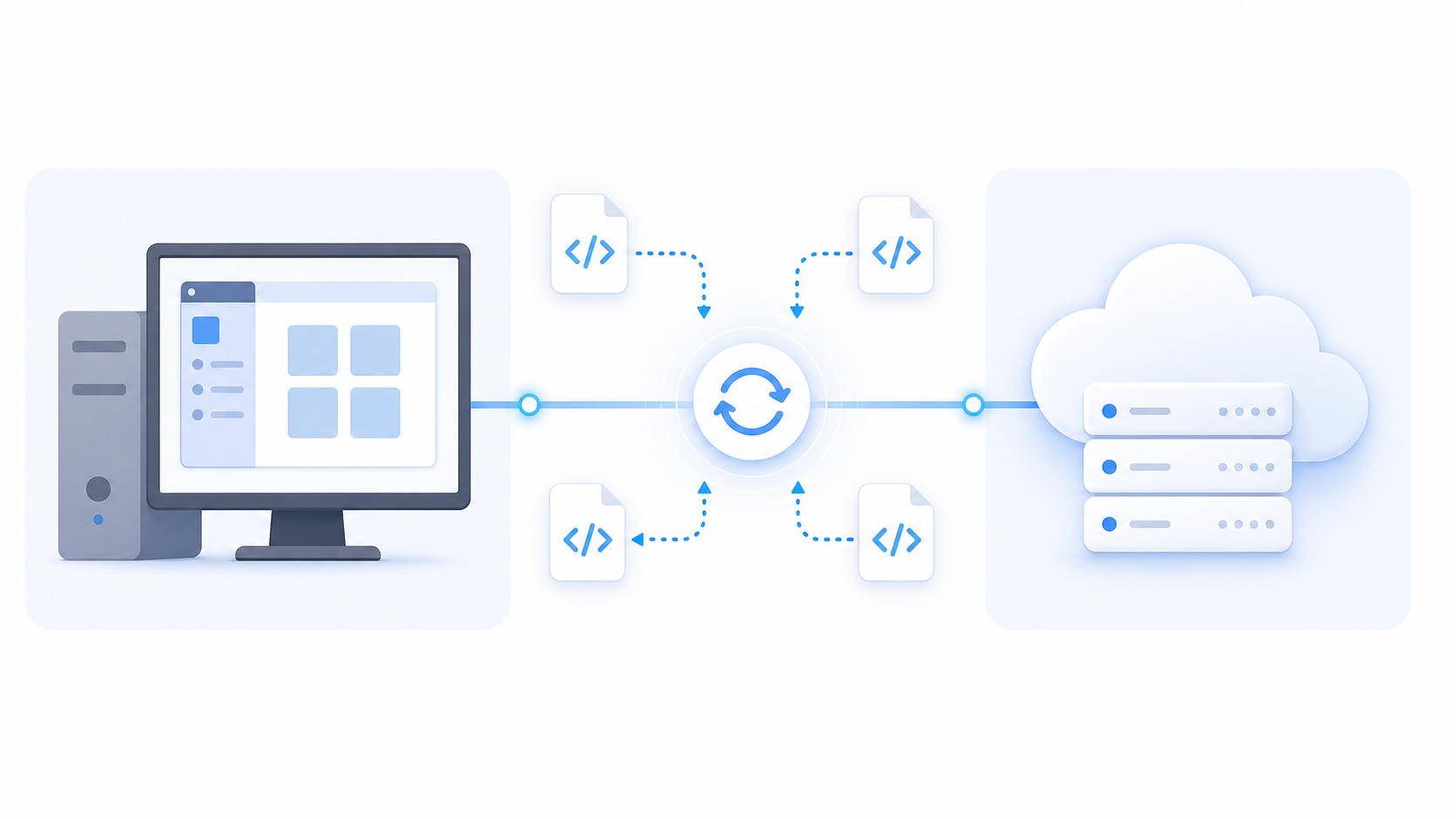
A few things catch teams off guard when you integrate Quickbooks with your SaaS platform:
- In most setups, the machine has to be on and QuickBooks available for a sync to fire, so a sync scheduled outside business hours can fail silently if the machine is off or the app is closed.
- Each company file needs its own Web Connector profile and credentials, so multi-entity customers multiply your configuration headaches fast.
- The polling schedule is controlled by the Web Connector, not your application, meaning your SaaS product cannot push data whenever it wants. It waits for the Web Connector to call home.
The Desktop SDK and qbXML: What Developers Are Actually Working With
qbXML is a proprietary XML dialect, not a standard you can Google your way through. Every operation against QuickBooks Desktop, whether reading invoices or writing purchase orders, requires formatting a specific XML request, submitting it through the SDK or Web Connector, and parsing a verbose XML response. There is no JSON. There is no standard HTTP status code. Errors come back inside the XML envelope itself.
The SDK offers two interfaces: qbXML for raw XML control, and QBFC, a COM-based object model that wraps those XML calls in a more programmatic style. QBFC is easier to read but adds a Windows COM dependency that creates its own deployment constraints.
One detail that bites teams quickly: batch sizes matter. Sending too many records in a single request can trigger timeouts, so smaller batches are safer, which means more round trips, more state management, and more code to write and maintain. Any developer who has called a REST endpoint with a paginated JSON response will feel the gap immediately.
Why QuickBooks Desktop Integration Breaks More Often Than Cloud Integrations
QuickBooks Desktop integrations break for a longer, weirder list of reasons than cloud API integrations. Common causes include expired SSL certificates on your web service endpoint, QuickBooks software updates that break Web Connector compatibility, and firewall rules blocking outbound SOAP connections from the customer's machine.
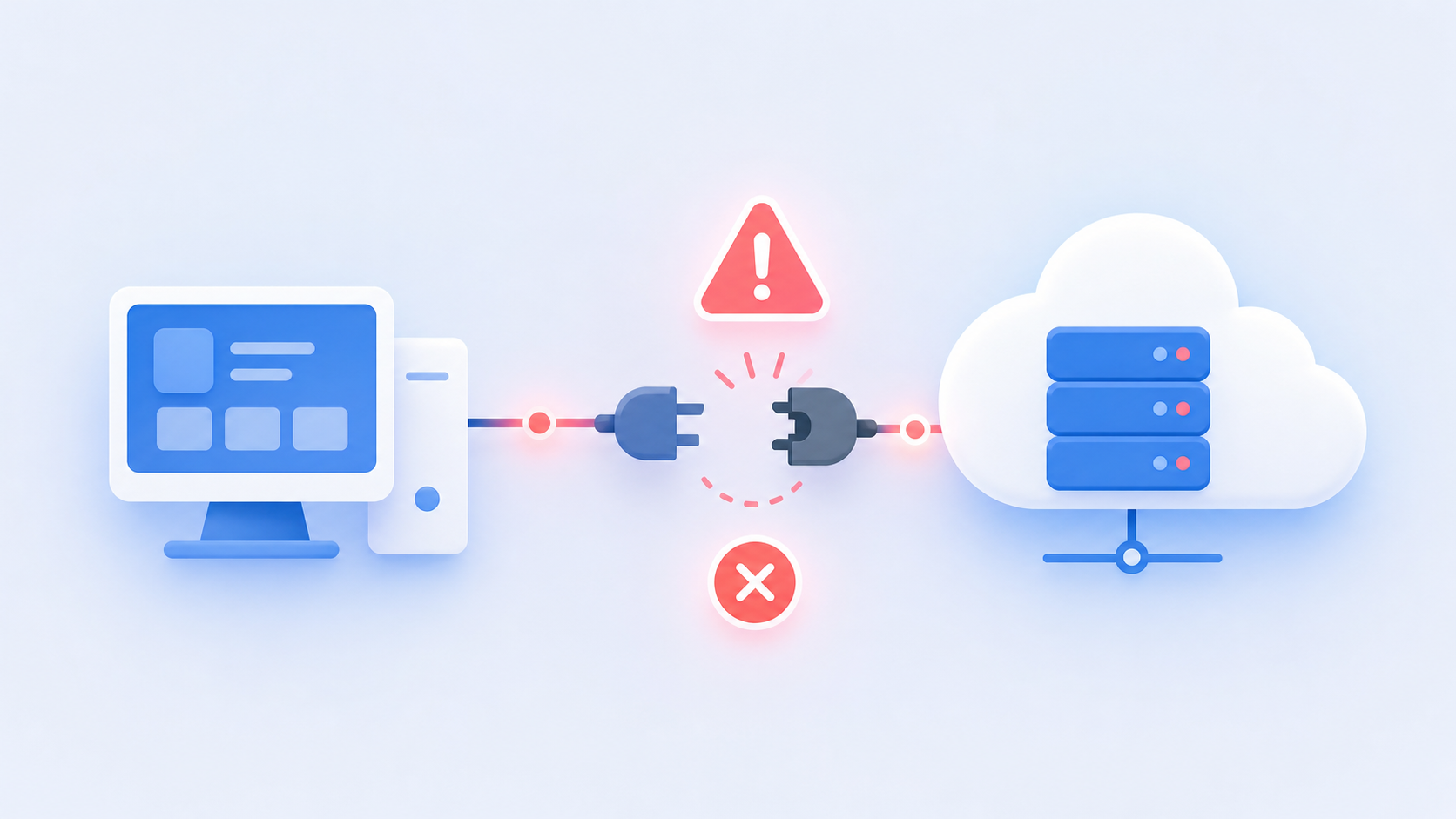
Then there are the purely human failure modes: a user closes QuickBooks before the scheduled sync runs, or migrates to a new machine and the company file path changes. Both kill the connection silently, with no error surfaced to anyone who can act on it.
None of these exist in a cloud API world, which is one reason ERP integrations are harder than you think, and why monitoring and alerting are not nice-to-haves for a production QuickBooks Desktop integration. They are the integration.
QuickBooks Desktop vs. QuickBooks Online: Why You Cannot Treat Them the Same
QuickBooks Online and QuickBooks Desktop share a brand name and some conceptual overlap, but the integration architectures are entirely separate. QBO gives you REST and OAuth. QBD gives you SOAP, XML, and a Windows agent. A connector built for one does not transfer to the other, and the data models reflect this too: field names differ, entity structures differ, and certain features exist in one product with no equivalent in the other, which is exactly the fragmentation a unified accounting API is built to absorb.
QuickBooks Desktop Enterprise supports multi-user access with advanced inventory and industry-specific editions. In our experience, that feature depth (particularly the industry-specific editions and inventory capabilities) is a big part of why mid-market manufacturers, distributors, and contractors are still on Desktop years after cloud options existed. They are not waiting to migrate. Desktop is the permanent choice, which makes a Desktop integration a hard requirement for any SaaS product serving that segment.
Multi-User Environments and the Hidden Complexity of On-Premise State
Multi-user mode adds a layer most teams underestimate. When several employees access the same company file simultaneously, records can change between sync cycles. An invoice updated by one user minutes after your integration read it creates a collision that is hard to detect and harder to recover from.
The Web Connector compounds this. It requires a specific logged-in user with the right permissions to run, so your integration is tied to that user's session. If they log out or switch to a different company file, the sync stops entirely.
Stateful, incremental sync is the right architecture here, a point worth internalizing before you build ERP integrations (see our product team guide for more). Your integration needs to snapshot what it already pulled, compare against it on the next run, and handle conflicts instead of assuming data is static between cycles. In-house builds that treat QuickBooks Desktop like a REST API typically surface this gap in production, not in testing.
Choosing the Right QuickBooks Desktop Integration Method
The table below covers the four main integration paths available with QuickBooks Desktop. Each has a distinct use case, and none of them is a clean, low-effort choice.
Third-party middleware sits above all four options. It abstracts the XML, manages Web Connector polling, and handles state across sync cycles. The tradeoff is vendor dependency and, often, limited on-premise support from providers built primarily for cloud APIs.
The build-vs-buy question here is less about capability and more about maintenance: on-premise integrations break in unpredictable ways, and whoever builds the connector owns the debugging.
| Method | Best For | Key Tradeoff |
|---|---|---|
| Desktop SDK + qbXML | Local Windows apps needing deep read/write access | Windows-only; COM dependencies; steep XML learning curve |
| Web Connector | SaaS products needing ongoing bidirectional sync | Typically requires an available QuickBooks session; polling only |
| QODBC | Read-heavy analytics and reporting | No write support; driver licensing adds cost |
| IIF Import/Export | Infrequent bulk imports with low fidelity needs | Manual, error-prone, no real-time capability |
The Hidden Maintenance Cost of Building a QuickBooks Desktop Integration In-House
Building the initial connector is the easy part. What compounds is everything after: monitoring for breaks caused by QuickBooks Desktop version updates, keeping the Web Connector endpoint healthy, debugging customer-specific machine configurations, chasing expired SSL certificates, and absorbing the support ticket volume from customers whose syncs failed silently at 2am.
Each new customer on Desktop adds another machine to monitor, another company file path that might change, another user who might close QuickBooks at the wrong moment. That per-customer burden does not stay flat. It grows with your install base, and it lands squarely on your engineering team's plate whether they budgeted for it or not. See our real cost of maintaining integrations breakdown for the numbers.
How hotglue Approaches QuickBooks Desktop Integration
Hotglue built the QuickBooks connector for QuickBooks Desktop because many embedded iPaaS providers skip it entirely. The architecture is too awkward, the maintenance surface too unpredictable, and the customer base "too legacy" for providers focused on clean REST APIs. That gap is exactly why we built it.
Hotglue supports QuickBooks Desktop via a Windows agent and the QuickBooks Web Connector, handling the polling, session management, and XML translation so your engineering team does not have to. The connector supports both reading accounting data and writing Purchase Orders, covering the bidirectional sync that most production deployments actually need.
A few specifics worth knowing:
- The connector is open-source, so you can read exactly what it does instead of trusting a black box.
- Our integrations team monitors QuickBooks Desktop version releases and migrates the connector when Intuit breaks compatibility, so that work stays off your engineering team's plate.
- Hotglue processes and delivers data without retaining your customers' accounting payloads on our servers, which matters when your customers are handing over on-premise financial data.
- The unified v2 schema covers QuickBooks Desktop alongside QuickBooks Online, Xero, and others, including Profit & Loss Detail reports in the same format across both QBD and QBO, so your downstream data pipeline does not need to branch for customers on Desktop versus Online.
Across the broader catalog, hotglue processes approximately 10 billion records weekly across 38,000+ active tenants, a scale detailed on the hotglue platform overview and worth weighing in any in-house vs. embedded iPaaS decision. QuickBooks Desktop is one of the harder connectors in that catalog, and hotglue runs it in production with a Windows agent, version monitoring, and a unified schema that covers QBD and QBO. If you can't afford to leave Desktop customers behind, that's the gap hotglue was built to close.
Final Thoughts on the Real Cost of QuickBooks Desktop Integration
QuickBooks Desktop integration is a technical lift and an ongoing commitment. Every new customer on Desktop adds another machine, another company file, and another set of things that can quietly break at 2am (usually right before a customer calls). Teams that go in with that expectation make much better build-vs-buy decisions, and hotglue exists so you don't have to learn the lesson the hard way. Book a demo and get a clear picture of what handling this in production actually looks like.
FAQ
How reliable is a QuickBooks Desktop integration in production, and what happens when syncs break?
QuickBooks Desktop integrations break for reasons that cloud API integrations never do: expired SSL certificates, QuickBooks version updates that break Web Connector compatibility, users closing the app before a scheduled sync fires, or a company file path changing after a machine migration. In production, monitoring and alerting are the integration, not an afterthought. Hotglue's integrations team tracks QuickBooks Desktop version releases and migrates the connector when Intuit breaks compatibility, and a partial sync failure never silently succeeds: the job either delivers all data or fails and preserves state for retry.
Can I build a QuickBooks Desktop integration without maintaining a Windows agent myself?
Yes, but someone has to own the agent; the question is who. The Web Connector requires a Windows process running locally on the customer's machine, polling your web service over SOAP on a schedule. Hotglue handles this via a pre-built Windows agent and Web Connector setup, managing the polling, session state, and XML translation so your engineering team does not have to build and maintain that layer themselves.
QuickBooks Desktop vs QuickBooks Online integration: can I use the same connector for both?
No. QuickBooks Online uses REST and OAuth 2.0; QuickBooks Desktop uses SOAP, qbXML, and a Windows agent. A connector built for one does not transfer to the other, and the data models differ too: field names, entity structures, and feature availability vary between products. Hotglue's unified v2 schema covers both QBD and QBO in the same format, including Profit & Loss Detail reports, so your downstream data pipeline does not need separate branches for customers on Desktop versus Online.
How does on-premise ERP integration for SaaS differ from standard cloud API integration, and who ends up owning the maintenance?
On-premise ERP integration for SaaS requires the connector to run locally on the customer's machine, which introduces a maintenance surface that cloud integrations never touch: per-customer machine configurations, local firewall rules, software update compatibility, and silent failures when a user closes the application mid-cycle. That burden lands on whoever builds the connector, and it grows with your install base, not your engineering headcount. For products serving mid-market manufacturers, distributors, or contractors who are permanently on QuickBooks Desktop Enterprise or Sage 300 CRE, that maintenance cost is the real build-vs-buy decision, not the initial connector build.
How does Hotglue's unified schema handle differences between QuickBooks Desktop and cloud accounting systems like Xero or QuickBooks Online?
Hotglue's unified schema maps QuickBooks Desktop data into the same structure used for QuickBooks Online, Xero, and other accounting connectors, so your downstream pipeline reads from one consistent format regardless of which system your customer is on. Fields that exist in one system but not another are represented consistently, meaning your product does not need conditional logic branching by source system. The QuickBooks Desktop connector also supports writing Purchase Orders and reading Profit & Loss Detail reports in v2 format, matching the coverage available from QBO and Xero.