DIY Sage 300 CRE connectors have a way of working great in staging and quietly falling apart in production after a Sage version update renames a table your queries depended on. If your engineering team is maintaining one of these, you already know the drill. Here's why more construction SaaS teams are skipping that whole cycle and going with an embedded on-prem connector instead.
TLDR:
- Sage 300 CRE runs on a local Pervasive SQL database with no REST API, making cloud SaaS integrations a multi-month infrastructure problem.
- DIY connectors built on direct SQL queries break silently when Sage ships version updates, often going undetected for weeks.
- Building a Sage 300 CRE connector in-house means owning every schema change, version update, and customer-specific variation indefinitely.
- An on-premise agent is the only integration approach that survives version updates across a diverse customer base reliably.
- Hotglue's Sage 300 CRE connector supports bidirectional sync for jobs, vendors, and cost codes, with new connectors going live in one to two weeks.
What Sage 300 CRE Is and Who Uses It
Sage 300 CRE, formerly known as Timberline, is a construction and real estate accounting ERP that has been the backbone of back-office operations for general contractors, specialty contractors, real estate developers, and property managers for decades.
Generic accounting software like QuickBooks handles basic bookkeeping well enough, but construction tech integrations demand purpose-built handling because construction finance is a different animal. Job costing across dozens of active projects, contract management, certified payroll, subcontractor compliance, and project-level AP/AR all require purpose-built tooling. That's exactly what Sage 300 CRE provides.
It's deeply embedded in how construction firms close their books, and that depth is precisely why so many of your prospects already run on it.
Why Sage 300 CRE Is an Integration Headache for SaaS Teams
Sage 300 CRE runs on a local Pervasive SQL database with no REST API. There's no OAuth flow to set up, no webhook endpoint to subscribe to, no credentials-plus-URL handshake. The entire playbook your engineering team built for connecting to QuickBooks Online or Salesforce simply doesn't apply here.
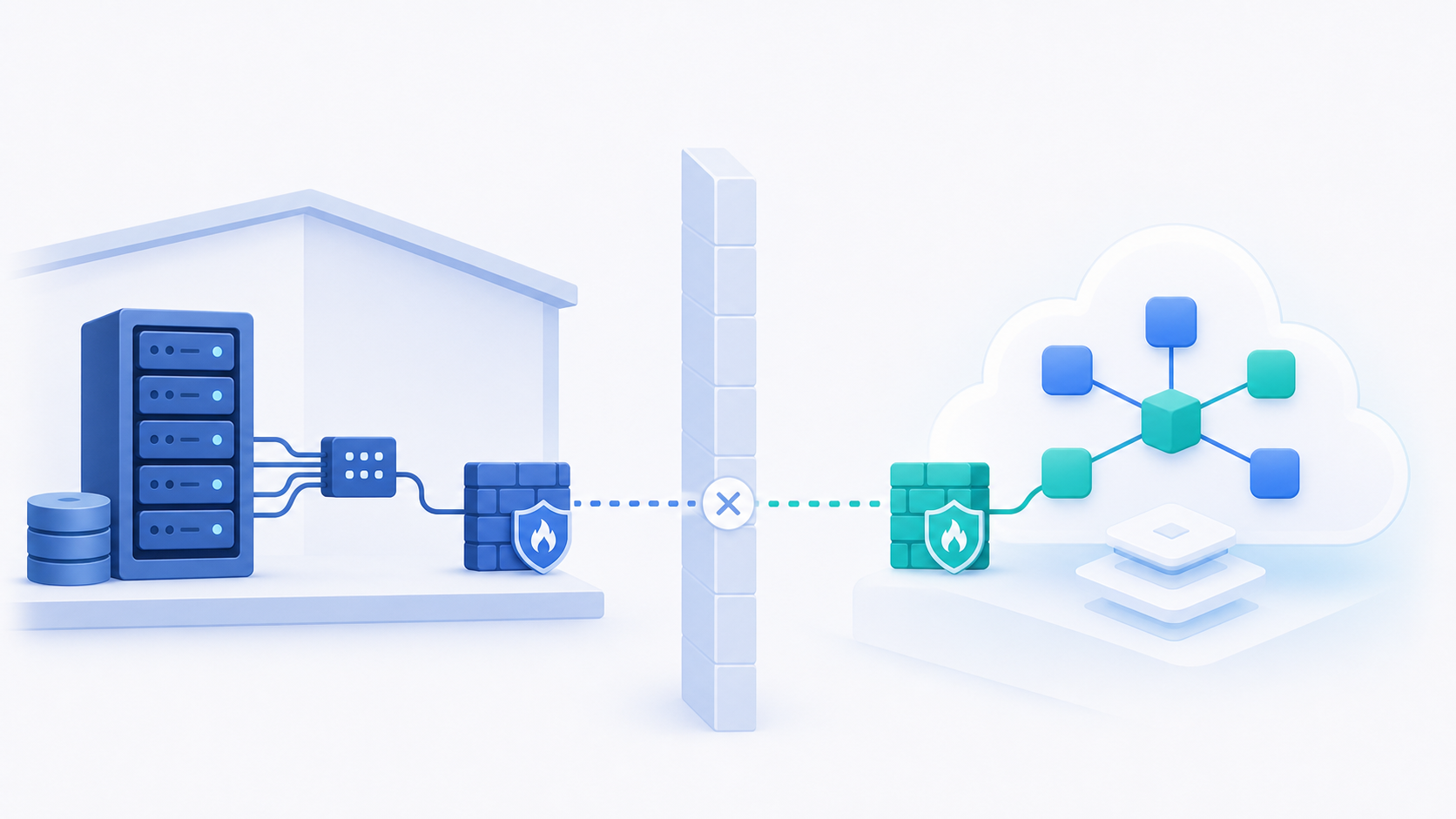
Most SaaS teams learn this the hard way. Someone checks the Sage documentation looking for an API key, finds a community forum thread debating direct Pervasive SQL access, and realizes the integration they planned for a two-week sprint just became a multi-month infrastructure problem, one that a proper Sage 300 integration guide could have flagged early. The database lives inside the customer's network. Your SaaS product lives in the cloud. Bridging that gap requires something that can traverse the network boundary entirely.
The stakes are real. More construction firms are digitizing, and they expect new tools to connect natively to the accounting stack they already run, not replace it.
Sage 300 CRE vs. Sage Intacct Construction: Two Very Different Integration Paths
The Sage brand covers two products that share almost nothing under the hood. Sage Intacct Construction is cloud-native, with a documented REST API, standard OAuth, and the developer-friendly access model your team already knows. Sage 300 CRE is on-premise, running on a local Pervasive SQL database, requiring a fundamentally different connection strategy.
Larger general contractors and older firms tend to run Sage 300 CRE because they've been on it for years and the switching cost is enormous. Sage Intacct Construction attracts newer or faster-growing firms that want cloud-first financials. Some mid-market contractors run both during a migration period.
Supporting one does not get you the other: two separate connectors, two separate authentication approaches, two separate maintenance burdens.
The Three Common Approaches to Sage 300 CRE Integration
Most teams land on one of three approaches before deciding how serious this project actually is.
| Approach | How it works | Where it breaks |
|---|---|---|
| File-based / CSV | Sage exports flat files to a mapped directory; your app reads them on a schedule | Brittle file paths, manual export steps, no real-time data |
| Direct Pervasive SQL | Query the local database directly using ODBC | Schema changes across Sage versions silently break queries; requires deep schema knowledge |
| On-premise agent | A lightweight agent installs on the customer's machine and handles data traversal | Requires installation, but survives version updates and network boundaries reliably |
File-based is the easiest starting point, but it typically devolves into a support ticket every time a customer changes their export settings. Direct SQL queries feel powerful until Sage ships an update that renames a table. (And it will rename a table. It always renames a table.) The on-premise agent adds installation friction upfront, but it's the only approach that holds up in production across a diverse customer base running different Sage versions.
What Data Can Actually Flow Through a Sage 300 CRE Integration
Construction firms want specific objects synced accurately: jobs, cost codes, vendors, subcontractors, AP invoices, purchase orders, payroll records, and change orders. Before promising "we integrate with Sage 300 CRE," your team needs to know which of those objects you can actually reach.
Reading financial data is the easier half. Job cost summaries, vendor records, AP invoice status, and cost code structures are accessible via direct database queries or an on-premise agent. Writing data back is harder and far more valuable. Pushing purchase orders into Sage, creating job records from your SaaS product, or syncing approved invoices back to AP requires write access to the Pervasive SQL schema, which demands careful mapping, fiscal calendar sync, and version awareness.
Hotglue's Sage 300 CRE connector supports both directions, including writing jobs, vendors, and cost codes back into Sage from your product.
How Schema Drift and Version Updates Break DIY Connectors
Sage 300 CRE keeps moving after you ship your connector. Sage releases version updates where field names change, tables restructure, and relationships shift. A direct Pervasive SQL query that ran cleanly in one version can fail silently in the next, returning partial data or nothing at all with no error loud enough to catch it until a customer notices their job costs are wrong.
That failure mode is what makes schema drift genuinely dangerous. Your engineering team isn't monitoring Sage patch notes, and your customers aren't warning you before they upgrade, which is exactly the kind of gap a product team guide to ERP integrations is meant to close. The gap between a working integration and a broken one can stretch weeks before anyone catches it.
The market pressure compounds this. Separately from the broader construction management software category, the construction ERP software market itself is projected to grow from $4.0 billion in 2025 to $9.05 billion by 2036, at a 7.7% CAGR, according to Future Market Insights. More firms upgrading ERP systems means more version transitions across your customer base, which means more chances for a DIY connector to quietly break in production.
The Real Cost of Building a Sage 300 CRE Connector In-House
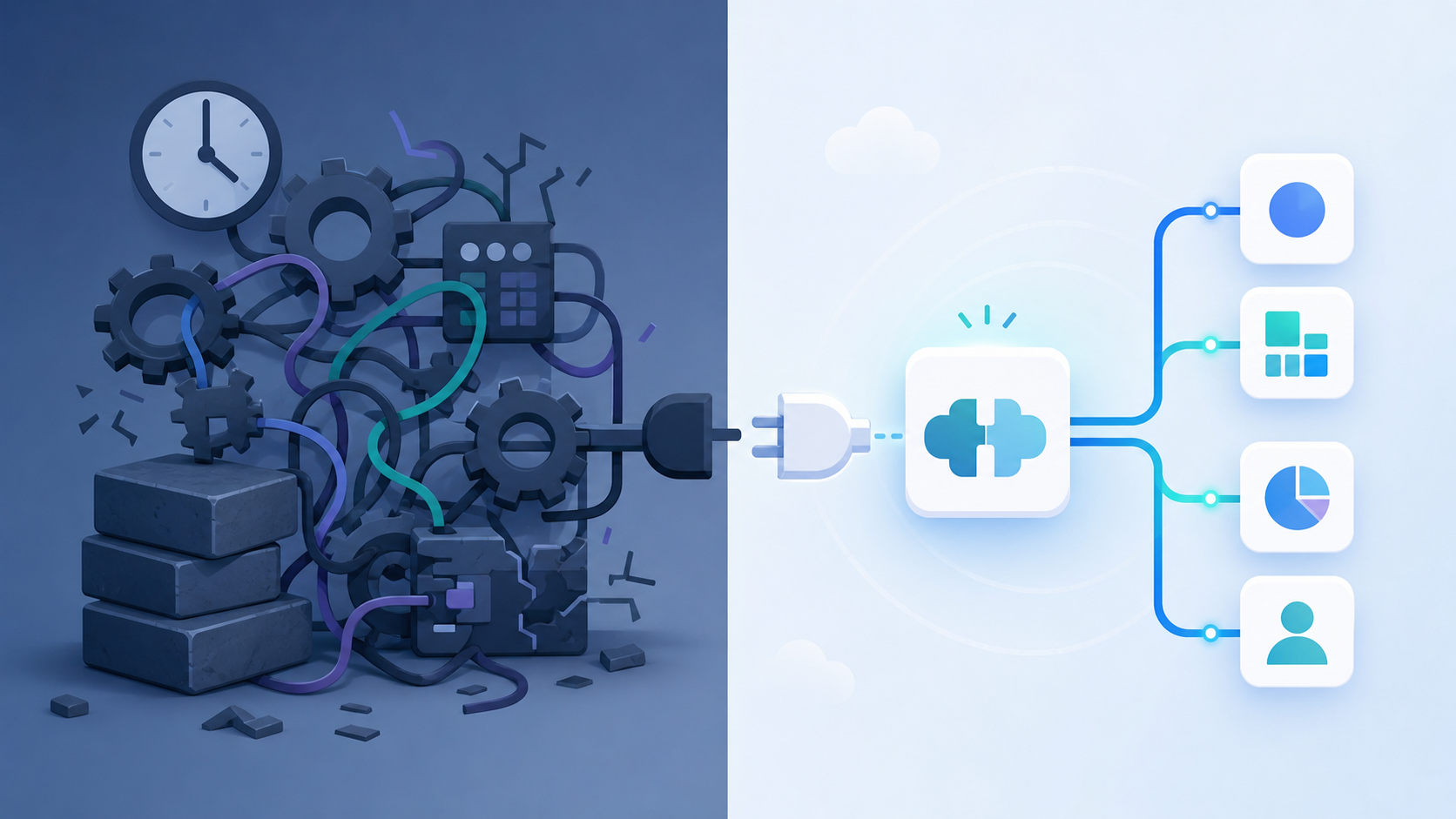
Building a single connector in-house costs far more than the initial sprint suggests, a pattern that echoes how product teams tackle NetSuite integration elsewhere in the ERP world. Add customer-specific schema variations, version update patches, and the engineers pulled off your core roadmap, and the bill climbs fast for a connector that was never your product to begin with.
Native vs. Connector vs. Middleware: Choosing an Integration Architecture
Three real architectural choices exist for construction SaaS teams adding Sage 300 CRE support.
- Building natively in-house gives you the most control, but you own every schema change, version update, and customer-specific variation indefinitely. For an on-premise system with no REST API, that burden is steep.
- A pre-built on-premise connector from a specialized provider embeds directly into your product. Your customers see a native experience; the provider handles version resilience and schema mapping.
- Middleware or iPaaS tools sit outside your product entirely, requiring customers to configure their own connections. That moves maintenance friction onto the people least equipped to handle it.
For Sage 300 CRE in particular, the on-premise connector path is the only one that survives a diverse customer base running different Sage versions without pulling engineers off your core roadmap.
What Construction SaaS Teams Should Demand from an On-Prem Connector
This is typically where the CPO or Head of Partnerships at a construction SaaS company gets pulled into the conversation: sales is promising native ERP integration and engineering is quietly estimating six months of work. A production-grade on-prem connector for Sage 300 CRE should clear a specific bar, regardless of who builds it.
- Installs on the customer's machine without requiring inbound firewall rules or cloud network exposure
- Handles Sage version updates without manual intervention, mapping to schema changes automatically instead of querying hardcoded table structures
- Supports bidirectional sync for the objects that actually matter: jobs, vendors, cost codes, and purchase orders
- Fails explicitly, with logged errors that surface immediately instead of silently returning partial data
"Resilient to software updates" sounds simple but isn't. A connector built on raw Pervasive SQL queries will break quietly when Sage patches column names or table relationships without warning. One built with version-aware schema mapping will surface problems before your customer notices anything wrong.
How hotglue Approaches Sage 300 CRE Integration
Hotglue's Sage 300 connector installs directly on the customer's machine and connects to the local Pervasive SQL database, which makes it resilient to Sage software updates. It reads job cost data, vendors, AP records, and cost codes, and writes back to Sage too, including jobs, vendors, and cost codes from your product.
This sits inside a broader on-premise connector library that includes QuickBooks Desktop support via a Windows agent and the QuickBooks Web Connector, plus Sage 200 via a cloud proxy. If your prospects run any combination of these, you are covered without managing separate vendor relationships or separate codebases. See our breakdown of hotglue vs Merge for ERP sync for how that compares to other providers.
The infrastructure behind these connectors processes roughly 10 billion records weekly across 38,000 active tenants. That's production scale from day one, not a sandboxed demo.
For CPOs weighing in-house vs. embedded iPaaS: new connectors go from sandbox access to live in one to two weeks. That timeline, paired with on-premise coverage most embedded iPaaS providers skip entirely, is the difference between a connector list and an actual integration partner.
Final Thoughts on On-Premise ERP Integration for Construction SaaS Teams
Sage 300 CRE integration rewards teams that plan for how it breaks, beyond how it works on day one. Version drift is quiet, network boundaries are real, and a file-based workaround that runs fine in testing will generate support tickets at scale. Your engineering time is better spent on your core product than on patching a connector every time Sage ships an update. Book a demo to see how hotglue's on-premise connector handles the version resilience and bidirectional sync your customers expect.
FAQ
Can you build a Sage 300 CRE integration without direct Pervasive SQL access?
Yes. The three main approaches (file-based exports, direct Pervasive SQL, and an on-premise agent) are compared in the table above. Direct SQL is the riskiest because schema changes across Sage versions can break queries silently; the on-premise agent is the only option that reliably survives version updates across a diverse customer base.
How dependable and reliable are on-premise connectors like Sage 300 CRE: will they handle errors the way standard API-based integrations do?
A production-grade on-prem connector should fail loudly, not quietly: logged errors that surface immediately instead of partial data returns with no signal. Hotglue guarantees that a partial sync failure never silently succeeds. The job either delivers all data or fails and preserves state for retry. Paired with a Sage 300 CRE connector that installs on-premise and connects directly to the database, that's the gap between a connector built on hardcoded SQL queries and one designed to hold up across a customer base running different Sage versions.
What data objects does a Sage 300 CRE integration actually support reading and writing?
Reading job cost summaries, vendor records, AP invoice status, and cost code structures is the more accessible half of a Sage 300 CRE integration. Writing back is harder and more valuable. Pushing purchase orders into Sage, creating job records from your product, or syncing approved invoices back to AP requires careful schema mapping and version awareness. Hotglue's Sage 300 CRE connector supports bidirectional sync for jobs, vendors, and cost codes, which covers the objects construction firms care most about.
How quickly can a new Sage 300 CRE or construction SaaS on-premise connector be ready for production?
Once API or test account access is available, Hotglue can take a new connector from zero to live in one to two weeks. That timeline matters for construction SaaS teams whose sales cycles depend on native ERP integration as a close requirement, since waiting for an in-house build to clear the queue is a deal that walks. The Sage 300 CRE connector also sits inside a broader on-premise library covering QuickBooks Desktop and Sage 200, so supporting a mixed customer base does not require separate vendor relationships.
Embedded iPaaS vs. building a Sage 300 CRE integration in-house: which makes more sense for a construction SaaS product team?
Building in-house gives you control, but for an on-premise ERP integration construction teams depend on, you own every schema change, Sage version update, and customer-specific variation indefinitely, and the maintenance cost keeps compounding. An embedded on-premise connector ships inside your product so customers see a native experience, while the connector provider handles version resilience and ongoing maintenance. For Sage 300 CRE in particular, that tradeoff is straightforward: the maintenance burden of a DIY on-prem connector pulls engineers off your core roadmap for a problem that was never your product to begin with.