Your HubSpot list sync can be as targeted or as messy as you make it. If you're not filtering by List ID, you're likely pulling records that have no place in your downstream system, and burning API quota on all of them. Here's how to scope it correctly, including what changed with the v1 API sunset that might have quietly broken your existing setup.
TLDR:
- Filtering HubSpot syncs by
listIdscopes what gets pulled, cutting API waste and compliance risk - HubSpot's v1 Lists API sunsetted April 30, 2026; connectors still using
legacyListIdare silently broken - Use static lists for ERP/billing syncs where stability matters, active lists for live CRM queues
- Pass
listIdat runtime via per-job overrides to serve multiple tenants from one connector config - Hotglue's HubSpot connector accepts
listIdin thePOST /jobscall, scoping each run without touching global config
What a HubSpot List Is (and Why It Matters for Syncs)
HubSpot lists (now officially called segments) are filtered collections of CRM records grouped by shared criteria. There are two types: active lists that update automatically as records meet or leave your defined criteria, and static lists that hold a fixed set of records you manage manually.
That distinction matters once you're building sync logic. An active list tied to "all contacts with lifecycle stage = Customer" will look different tomorrow than it does today, while a static list stays frozen until someone changes it. If your sync treats them the same way, you'll get unpredictable results.
Lists give you a defined, auditable boundary around a subset of your HubSpot contacts. Without one, you're pulling your entire contact database every run.
Why Syncing Your Entire HubSpot Contact Database Is a Problem
Pulling every contact on every sync run sounds harmless until something goes wrong. A HubSpot account with 50,000 contacts will include trial users who churned, test records your team created, duplicates from an old import, and contacts who opted out of everything. Syncing all of them into a downstream CRM or ERP means all of that noise lands there too.
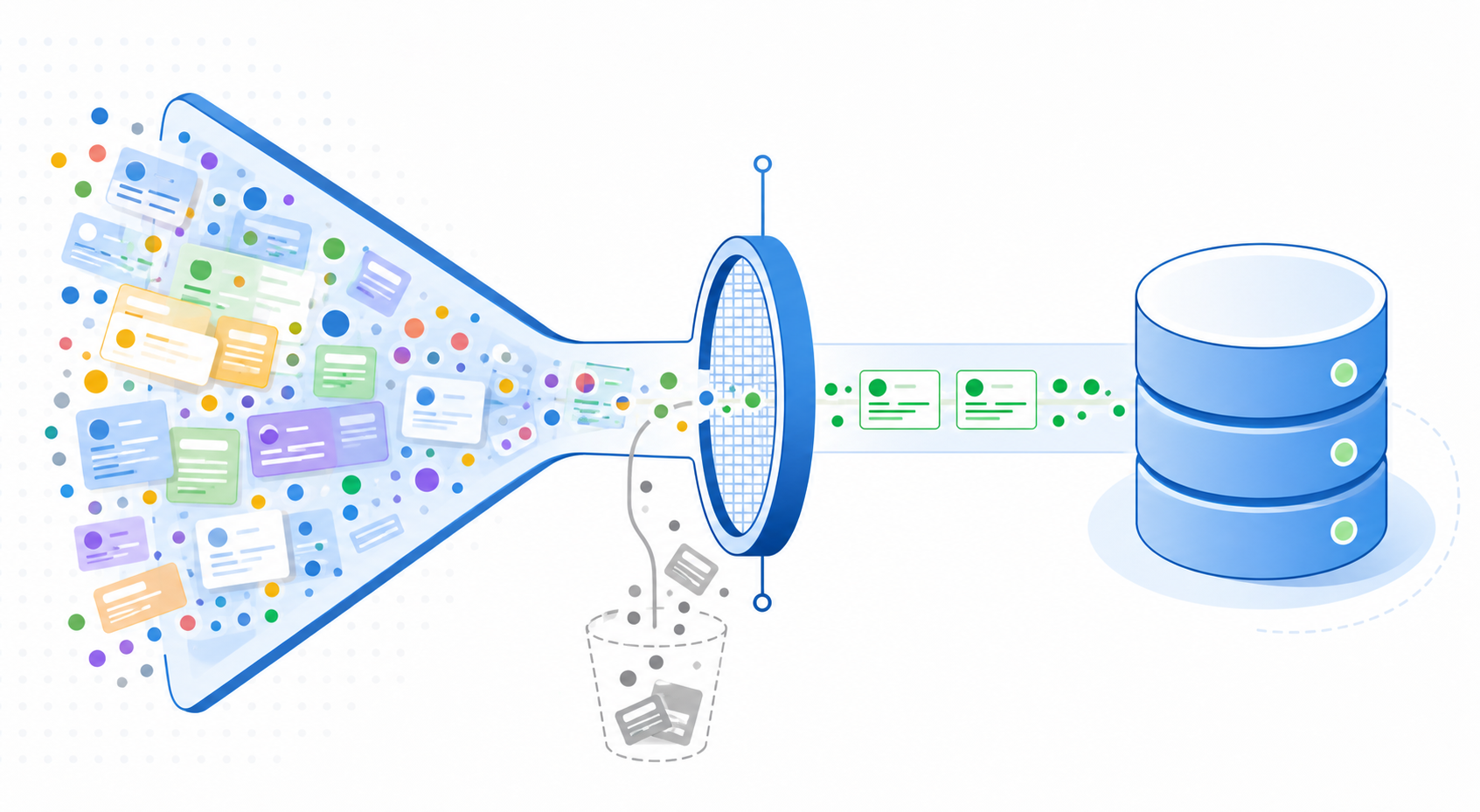
The downstream cost goes beyond messy data. Unfiltered syncs consume API quota on both sides, and HubSpot's rate limits are finite. Burning through them on records you never needed means slower syncs for the ones you do.
There's also a data governance angle that product leaders often underestimate. Contacts who haven't consented to sharing their data with a third-party system probably shouldn't be in that system at all. A bulk export with no filtering is a fast way to create compliance exposure you didn't intend.
The worst case is an unfiltered write-back. If your sync is bidirectional and a stale or corrupted record gets pushed into a production system, you're looking at overwritten records, broken workflows, and potentially a support incident.
Scoping the sync to a specific list is the simplest fix for all of this.
What Filtering by List ID Actually Means
When you filter a sync by List ID, you're telling the integration to fetch membership from a specific HubSpot list, then only process the records that belong to it. The list itself becomes the scope, replacing the need to query all contacts and filter downstream.
The identifier that makes this work is the listId field from HubSpot's v3 Lists API. Each list has a definition (name, type, filter criteria) and a set of memberships mapping contacts to that list. At sync time, the integration reads those memberships and uses the resulting record IDs to gate what gets pulled.
Two things worth keeping in mind:
listIdandlegacyListIdreference the same list but are distinct values. Mixing them up will silently return wrong results, which makes this one of the easier bugs to miss.- For active lists, membership changes between runs, so your sync scope can shift without anyone touching the configuration.
The v1 Lists API Sunset and What It Changes for Integrations
As of April 30, 2026, HubSpot's v1 Contact Lists API is gone. most endpoints now return HTTP 404, meaning any integration still querying list membership through v1 is silently broken or throwing errors.
The v3 Lists API uses a different identifier. Where v1 used legacyListId, v3 requires listId. These are distinct values for the same list and they won't match. If your connector wasn't updated before the cutoff, your list-scoped syncs are either pulling nothing or falling back to unfiltered contact queries.
The fix starts with an audit: check whether your HubSpot connector references legacy list endpoints or legacyListId values anywhere in its configuration or transformation logic. If it does, those need to be remapped before the next sync run.
Common Use Cases for List-Scoped HubSpot Syncs
Each of these scenarios shares the same underlying problem: syncing every record when you only need a subset creates noise, bad data, or both.
- Syncing enterprise-tier customers to NetSuite while excluding trial or freemium accounts keeps your ERP clean and prevents billing or reporting errors tied to non-paying users.
- Pushing only MQL-qualified contacts to Salesforce means your sales team works a focused, relevant queue instead of filtering out early-funnel contacts themselves.
- Scoping a sync to a "repeat purchaser" HubSpot list keeps your Shopify buyer segment tight, so downstream personalization stays accurate.
- Filtering payroll-enrolled employees to an HR integration prevents unenrolled contacts from generating incorrect records on the receiving end.
If your situation maps to any of these, list-scoped filtering is the right call.
How to Build a List-Filtered HubSpot Sync: Step by Step
Here's how to set up a list-filtered HubSpot sync using the v3 API.
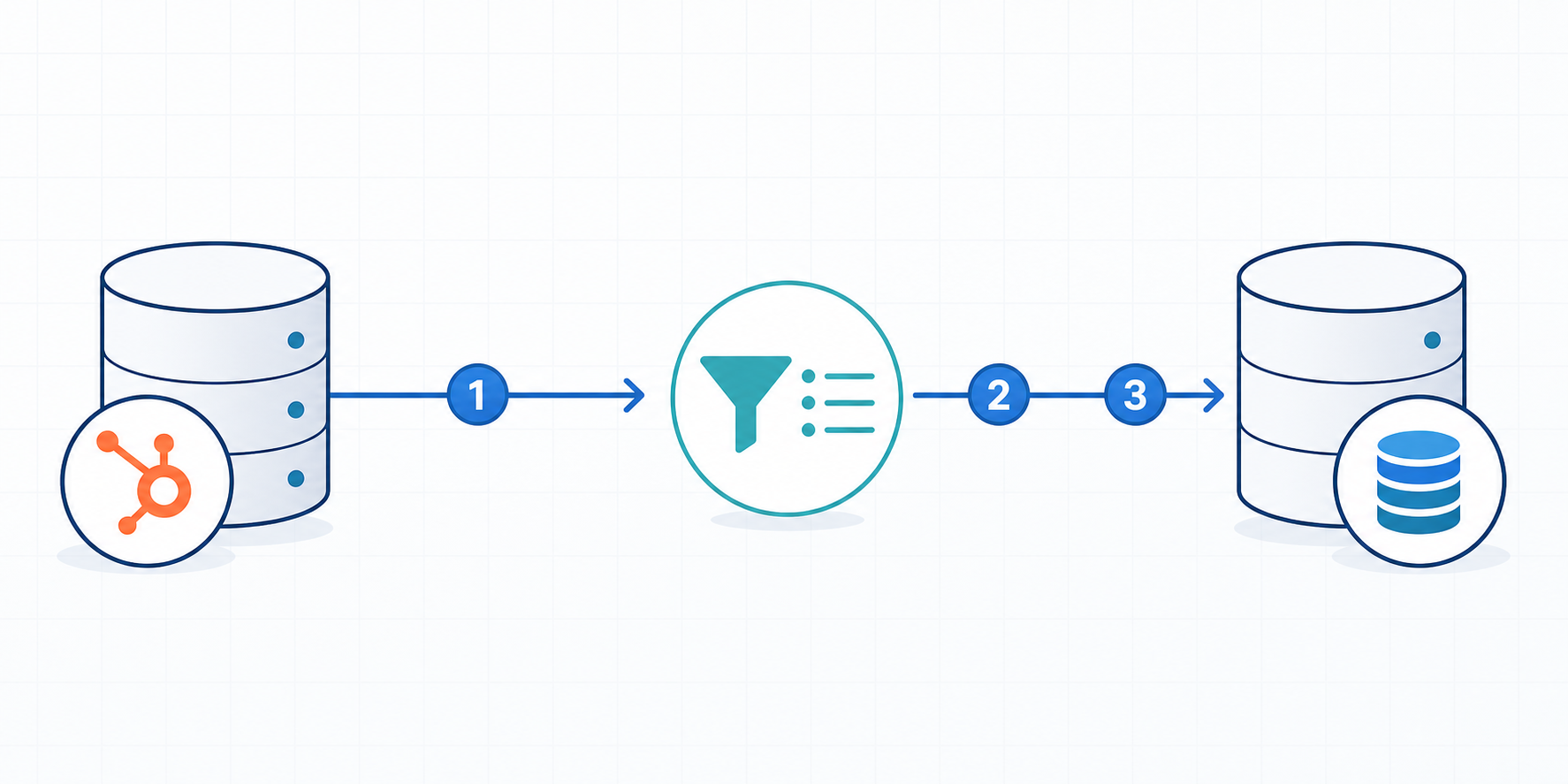
Start by creating your list in HubSpot under Contacts > Lists. Choose between an active list (auto-updating based on criteria) or a static list (manually managed), and name it something your team will recognize when debugging later.
Next, retrieve the listId by calling the v3 Lists API:
Copy the listId from the response. Avoid legacyListId as it belongs to the sunsetted v1 API and will not work.
Then configure your connector to fetch list membership before pulling contacts:
This returns the record IDs belonging to that list. Use these IDs to gate which contacts get fetched. Do not query all contacts and filter after the fact.
A few things worth checking before you run
- Validate membership by spot-checking a handful of returned IDs against HubSpot's UI. For active lists especially, do this close to job time since membership can shift.
- If your integration layer supports per-job filter overrides, pass the
listIdat runtime instead of hardcoding it in the connector config. This gives you the flexibility to swap lists without redeploying.
Handling Active vs Static Lists in Sync Logic
Active lists and static lists behave differently at the API level, and treating them the same in sync logic creates subtle bugs that are hard to trace after the fact.
With a static list, membership is stable. You fetch it once, process the records, and the same IDs will be there next run unless someone manually edits the list. Incremental syncs on static lists are straightforward.
Active lists work differently. Membership updates continuously as contacts meet or stop meeting your defined criteria. If your batch vs trigger sync pulls membership at the start of a run and processes records over several minutes, the set you started with may already be stale by the time you finish.
Which to use depends on the downstream system
| Scenario | Recommended List Type |
|---|---|
| Syncing to a billing or ERP system | Static (stability over freshness) |
| Feeding a live sales CRM queue | Active (auto-qualifying contacts) |
| One-time data migration | Static |
| Ongoing marketing automation | Active |
The downstream system's tolerance for record removal matters too. If a contact drops off an active list mid-cycle, should that trigger a delete or update in the target system? Most ERP systems have no good answer for that. Static lists sidestep the problem entirely.
Per-Job Filter Overrides: Scoping Syncs at Runtime
Hardcoding a listId in your connector config works fine when you're syncing one fixed segment forever. The pattern breaks down the moment you need different lists for different tenants, or want to run targeted syncs across segments without cloning your entire flow setup.
Per-job filter overrides solve this. When triggering a sync via the API, you pass the listId directly in the job payload instead of relying on what's set in the connector's global config. The sync runs scoped to that list for that execution only, then reverts.
This is particularly useful in a few scenarios:
- Multi-tenant deployments where each customer has their own HubSpot list and you want one connector config serving all of them
- Segmented rollouts where you're syncing a "pilot group" list first before expanding to the full segment
- A/B data pipelines where you're validating output from two different lists before committing to one
The alternative, maintaining a separate flow per list, creates a maintenance problem that compounds fast. Every connector update, schema change, or credential rotation has to be applied across all of them.
At hotglue, we support passing per-job filter overrides directly in the POST /jobs call, so you can scope exactly which data gets fetched on a given run without touching the connector's global configuration.
Common Mistakes That Break List-Based Syncs
The legacyListId issue trips up teams most often when they inherit an older connector config. The value looks like a valid ID, returns no obvious error during setup, and only fails silently at runtime. If your sync is pulling zero contacts from a list you know has members, check which ID field your connector is passing first.
Active list recalculation is trickier because HubSpot doesn't expose a "ready" signal on the membership endpoint. Large lists with complex filter criteria can take several minutes to settle after a trigger, so kicking off a sync immediately after a contact property update is a reliable way to pull an incomplete set.
| Mistake | Diagnostic Signal | Fix |
|---|---|---|
Using legacyListId after the v1 sunset | Sync returns no records or 404 errors | Switch to listId from the v3 Lists API |
| Static list not updated before sync | Records look stale or missing expected contacts | Manually update the list, or switch to an active list |
| Active list membership still recalculating | Partial or inconsistent contact set pulled | Add a delay after list update triggers, or poll membership count before starting the job |
Missing crm.lists.read OAuth scope | 403 on membership endpoint | Re-authenticate with the correct scope included |
How hotglue Approaches List-Scoped HubSpot Syncs
Hotglue's HubSpot connector handles scoped sync patterns out of the box. Pass a listId directly in the POST /jobs call to target a specific list at runtime, without touching the connector's global config. One connector deployment can serve multiple tenants, each scoped to their own HubSpot list, no duplicated flow setup required.
A few other details worth knowing:
- Scheduling is configurable per connector via cron, so your HubSpot list sync can run on a different cadence than other connectors in the same deployment.
- Hotglue is SOC 2 Type II compliant and never retains your contact data. Records are processed and delivered directly to your system.
- The HubSpot connector is open-source, so your team can inspect exactly how list membership is resolved, no black box.
List-scoped filtering at scale is a core part of how the connector was built, not a workaround.
Final Thoughts on Scoped Data Sync With HubSpot Lists
List-scoped filtering keeps your HubSpot integration focused, your downstream data cleaner, and your compliance posture a lot easier to defend. The v1 sunset is a real breaking change for older connectors, so confirming your setup uses listId from the v3 API is worth doing now. If you want to see how hotglue approaches this out of the box, grab some time with us.
FAQ
What's the difference between filtering a HubSpot sync by List ID vs. pulling all contacts and filtering downstream?
Filtering by List ID scopes the sync at the source: you fetch only the record IDs that belong to that list, then process those contacts. Pulling everything and filtering downstream burns API quota on records you'll discard, risks hitting HubSpot's rate limits, and creates compliance exposure if contacts without proper data-sharing consent land in a third-party system.
Should I use an active or static HubSpot list when syncing to a billing or ERP system like NetSuite?
Use a static list for billing and ERP syncs. Active lists update continuously, and if a contact drops off mid-run, most ERP systems have no clean way to handle that removal; you end up with partial records or broken workflows. Static lists give you a stable, auditable scope each run, which is what finance systems require.
How do I filter a HubSpot list sync at runtime without changing my connector's global configuration?
Pass the listId directly in the POST /jobs call as a per-job filter override. The sync runs scoped to that list for that execution only, then reverts to the connector's default config. Hotglue supports this natively, so a single connector deployment can serve multiple tenants, each scoped to their own HubSpot list, without duplicating your flow setup.
What breaks if my HubSpot connector still references the v1 Lists API after the April 2026 sunset?
Your list-scoped syncs either return nothing or fall back to pulling all contacts unfiltered. The v1 API now returns HTTP 404 on all but three endpoints, and legacyListId values from v1 won't map correctly to the listId field required by the v3 Lists API. Audit your connector config for any legacyListId references and remap them to v3 listId values before your next run.
What is scoped data sync in a HubSpot integration, and when does it matter?
Scoped data sync means restricting what your HubSpot integration pulls to a defined subset of records (typically a specific list or segment) instead of querying your full contact database on every run. It matters any time your downstream system needs a clean, compliant record set: syncing only enterprise-tier customers to NetSuite, pushing only MQL-qualified contacts to Salesforce, or scoping a buyer segment for Shopify personalization. Without it, noise from test records, churned users, and opted-out contacts flows downstream and compounds over time.