The gap between a demo that works and a connector that survives a real customer's NetSuite instance is enormous. (Nobody warns you about the custom fields. There are always custom fields.) If you're trying to figure out how to ship accounting and e-commerce integrations without owning every edge case forever, this is worth a read.
TL;DR: Accounting and e-commerce integrations are structurally complex, expensive to maintain in-house ($50K–$150K per connector per year), and table-stakes for retaining B2B SaaS customers — which is exactly why hotglue exists.
What Accounting and E-Commerce Integrations Actually Are (And Why They're Different)
Customer-facing integrations are ones your end users trigger themselves, connecting their own QuickBooks or Shopify accounts to your product. That's a different animal from an internal integration your ops team sets up once and forgets.
Accounting data is where things get structurally messy. Chart of accounts configurations vary per business, journal entries require precise debit/credit logic, and vendor records often carry custom fields that differ across QuickBooks, NetSuite, and Sage. A field that exists in one system simply won't exist in another.
E-commerce data has its own brand of complexity. Orders, refunds, inventory adjustments, payout timing, and fulfillment statuses all move on different cadences across Shopify, Amazon, and TikTok Shop. A Shopify payout isn't one transaction; it's a net settlement blending dozens of orders, fees, and adjustments.
Both categories require stateful, incremental syncs with strong error handling. CRM or email integrations can usually afford to be lossy. Accounting and e-commerce integrations cannot.
Why Your Customers Keep Asking for These Integrations
Integration requests stop feeling like feature requests once you lose a deal over one.
The workflow pain is straightforward: your customers are exporting CSVs, manually re-entering order data into QuickBooks, and spending the last week of every month trying to match numbers that never quite line up. When your SaaS sits upstream of their accounting or e-commerce stack without connecting to it, you become a data island. That's an annoyance at first. Over time, it's a churn risk.
For B2B SaaS, the revenue signal is worth paying attention to. A prospect who asks "does this sync with NetSuite?" during a demo is telling you that without it, they probably won't buy. Same goes for retention: customers managing Shopify or Amazon alongside your product will eventually move to a competitor that closes the gap.
Integration requests tend to cluster around the same pain points across verticals:
- Month-end close breaks when order data lives in your product but journal entries need to land in Sage.
- Fulfillment teams lose confidence when inventory counts in your system don't match Amazon.
- Accounts payable workflows stall when bills aren't syncing bidirectionally.
These aren't edge cases. They're table-stakes workflows for customers you're already selling to.
The Hidden Cost of Building Integrations In-House
The initial estimate almost always looks reasonable. One engineer, two weeks, done. What that estimate captures is the happy path: reading the API docs, building a working prototype, passing QA. As one analysis of real integration budgets put it, just 30-40% of the total cost.
The rest accumulates quietly. Third-party APIs change endpoints without warning. Rate limits get hit in production at volumes nobody tested. A customer runs QuickBooks with custom fields your connector never accounted for. Each variation becomes a support ticket, then a sprint item, then an engineer pulled off your core roadmap.
A single production-grade customer-facing integration can run $50,000 to $150,000 per year once you factor in build, QA, maintenance, support, and security overhead. Multiply that across five integrations and you have a meaningful slice of your engineering org doing nothing but keeping connectors alive.
Accounting API Fragmentation: Why QuickBooks, NetSuite, and Sage Are Not Interchangeable
Each accounting system is built for a different buyer, and that distinction runs deeper than branding.
QuickBooks Online targets small businesses. NetSuite is mid-market to enterprise. Sage 100 serves manufacturers and distributors. Sage 300 CRE is built for construction. Xero dominates outside the US. Microsoft Dynamics 365 sits inside enterprise Microsoft stacks. If your SaaS sells across company sizes, you need connectors that reflect that range, each maintained separately as the upstream API evolves.
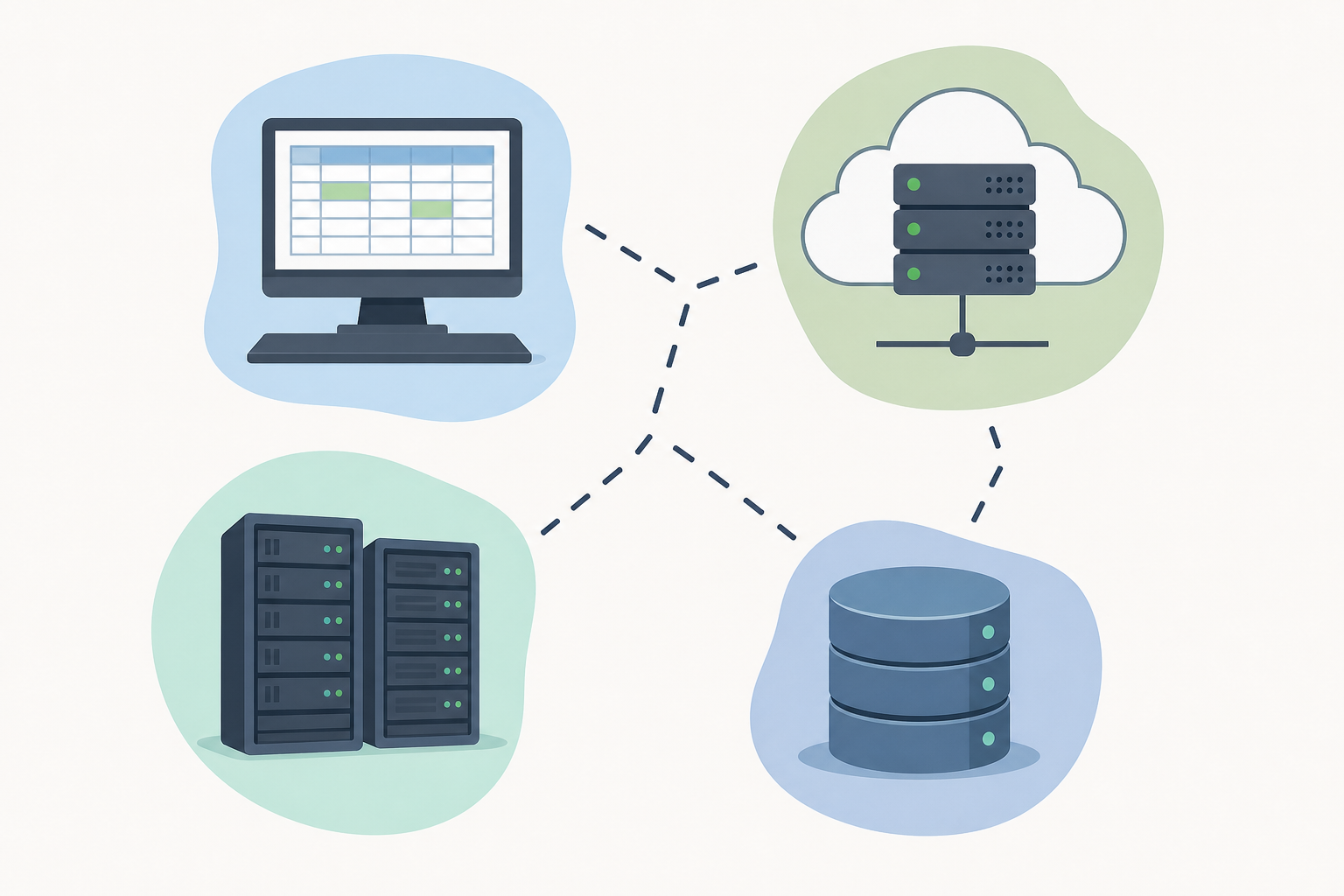
The fragmentation goes beyond market segmentation. Authentication flows differ: OAuth 2.0 works for QuickBooks Online, but QuickBooks Desktop requires a Windows agent and the QuickBooks Web Connector entirely. NetSuite uses token-based auth with subsidiary scoping that breaks if you don't handle it upfront. Rate limits vary wildly, pagination patterns don't transfer across systems, and a field called "vendor" in one system maps to something else entirely in another, or doesn't exist at all.
| System | Deployment | Auth Model | Typical Customer |
|---|---|---|---|
| QuickBooks Online | Cloud | OAuth 2.0 | SMB |
| QuickBooks Desktop | On-premise | Windows agent / QBWC | SMB (legacy) |
| NetSuite | Cloud | Token-based | Mid-market / Enterprise |
| Sage 300 CRE | On-premise | Direct DB | Construction / Real estate |
| Xero | Cloud | OAuth 2.0 | SMB (international) |
| Microsoft Dynamics 365 | Cloud / Hybrid | Azure AD OAuth | Enterprise |
What E-Commerce Integration Complexity Looks Like in Practice
E-commerce integrations look simple until you go one layer below the surface.
Reading orders from Shopify is straightforward. The complexity starts when your customers sell on Shopify, Amazon, and TikTok Shop simultaneously and expect your product to reflect a unified, accurate inventory picture across all three. Each channel runs its own fulfillment logic, its own payout schedule, and its own refund model.
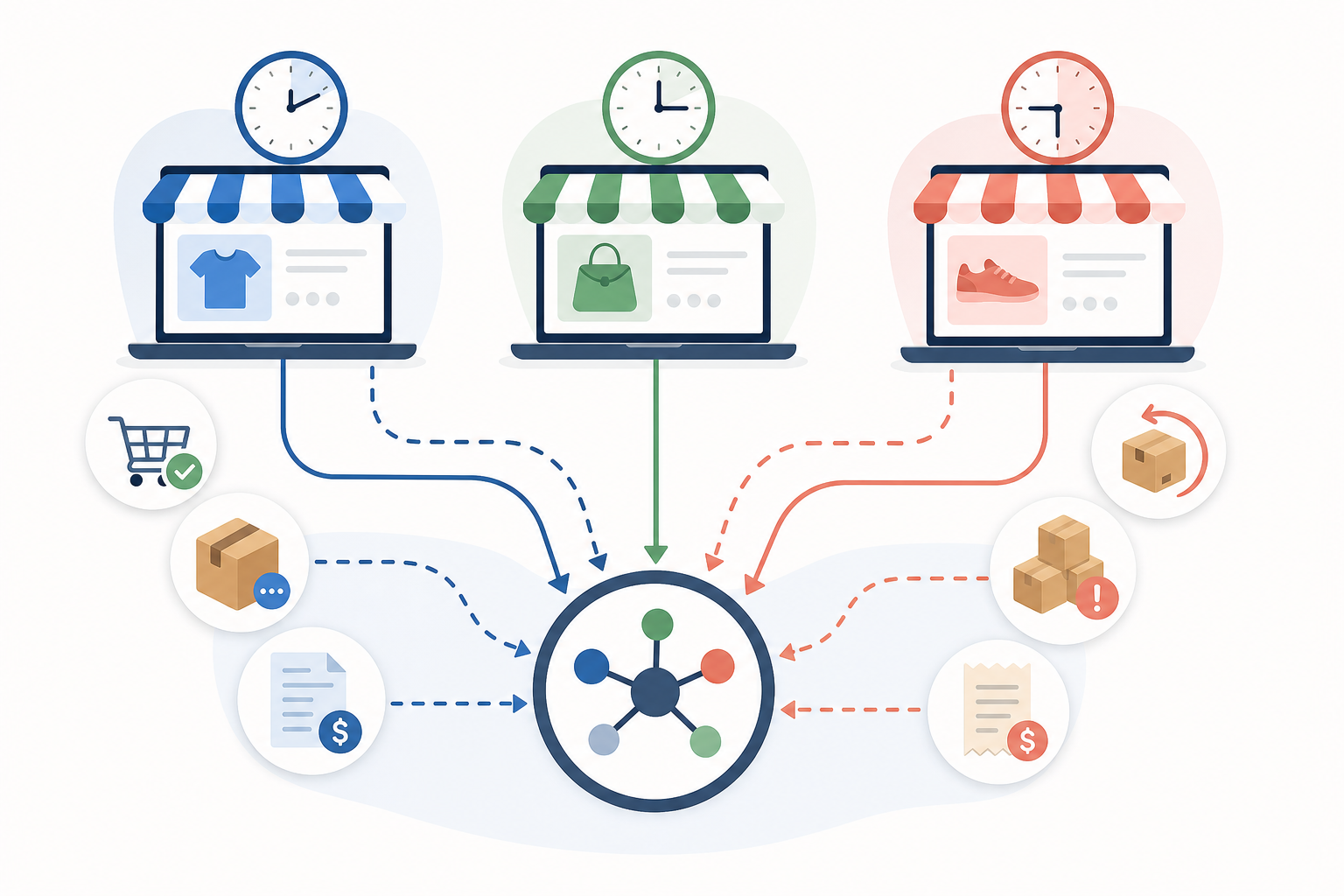
Payout timing alone creates real reconciliation headaches. Amazon holds funds for roughly two weeks and deposits a net settlement that blends hundreds of orders, fees, and adjustments into a single bank line. Shopify pays out daily but deducts processing fees inline. Faire runs on net-60 terms with its own wholesale settlement structure. Matching those numbers to actual deposits requires timing-aware sync logic, not a simple read from the orders endpoint.
Inventory reconciliation compounds this further. A return processed on Amazon does not automatically update stock counts in a warehouse management system or inside your product. A Shopify fulfillment shipping from a third-party 3PL moves inventory somewhere your connector may not see at all. Customers running multi-channel operations hit these gaps constantly, and they surface as support tickets directed at your team.
Refund tracking is its own edge case. Partial refunds, restocked versus non-restocked returns, and cross-channel exchanges all require logic your connector has to handle explicitly or quietly drop on the floor.
Build vs. Buy vs. Embed: Choosing the Right Integration Strategy
Three approaches dominate this decision, and each makes sense under different conditions.
Building natively gives your team full control over connector behavior, data models, and sync logic. If accounting connectivity is genuinely core to your product's value, that depth matters. The tradeoff is long-term engineering ownership: API changes, schema drift, and per-customer variation become your team's problem indefinitely.
A unified API abstracts away connector differences behind a shared schema. One authentication flow, one data model, many connectors. That's a real accelerant when you need broad coverage fast. The risk is that the abstraction can hide meaningful differences between systems. When a customer's NetSuite instance has custom subsidiary logic or a non-standard chart of accounts, a unified schema may flatten that complexity in ways that break downstream workflows.
An embedded integration layer sits inside your product but handles per-tenant connectivity on your behalf. End users authenticate from within your product, syncs run per-tenant, and your team retains control over how data moves into your backend. The tradeoff is a vendor dependency, worth weighing against the alternative: an internal team maintaining a growing connector catalog while your core roadmap waits.
A few questions worth asking before deciding:
- How many integrations do you realistically need to support in the next 12 months?
- Does your team have the capacity to own ongoing API maintenance, beyond the initial builds?
- Are your customers asking for depth in one system or breadth across many?
If depth in one system is the answer and you have the engineering bandwidth, build. If breadth across accounting or e-commerce connectors is the ask, buying or embedding will get you there faster with less ongoing overhead.
Accounting Integration Ownership: Who on Your Team Should Lead It
Integration projects stall most often not because of technical complexity, but because nobody owns them clearly.
Engineering teams feel natural ownership over connectors they built. That ownership is real, but it can create a blind spot: the engineers who scoped the initial build often aren't the ones hearing about sync failures, missing fields, or the customer who threatened to churn because QuickBooks numbers weren't adding up correctly. That feedback lands with customer success or partnerships first.
The practical fix is separating two distinct roles: one person owns the integration roadmap (which connectors, in what order, scoped against customer demand), and a second person owns production reliability. These are different skill sets. Collapsing them onto a single engineer is how integrations become a permanent background fire.
A workable ownership model looks like this:
- Head of Partnerships or a senior PM owns the integration roadmap and prioritization, since they have direct exposure to which deals are blocked and what customers are asking for.
- An engineering lead owns connector health and maintenance SLAs, keeping pace with upstream API changes before they become customer-facing outages.
- Customer success owns the feedback loop, surfacing integration gaps from active accounts and making the maintenance burden visible to engineering.
Engineering skepticism about outside tools tends to soften once that maintenance burden becomes concrete. A CS lead sharing a month-end churn risk tied to a sync failure is more persuasive to engineering than a PM's roadmap argument.
What to Look for When Choosing an Embedded Integration Layer
Not all embedded integration layers are built for the same workload. For accounting and e-commerce in particular, the gap between a tool that handles demos well and one that survives production is substantial.
A practical checklist for comparing options:
- Connector depth beyond reads. Write support, custom field handling, and on-premise system coverage (QuickBooks Desktop, Sage 300 CRE) separate serious tools from catalog-padding ones. If a vendor's connector only reads standard fields, your customers with non-standard chart of accounts configurations will surface that gap within weeks.
- Transformation control. You need a layer where you can shape data before it hits your backend. Python-based transformation scripts with version control matter here, especially when per-customer field mapping diverges.
- Sync reliability guarantees. Partial failure handling is non-negotiable for accounting data. A sync that half-succeeds and silently moves on creates reconciliation problems your team will spend days debugging.
- Security posture. SOC 2 Type II and a process-and-deliver data model (no long-term storage of customer payloads) should be baseline requirements, not differentiators.
- Pricing structure. Tenant-based pricing scales predictably with your customer count. Volume-based pricing introduces billing risk as sync frequency increases, particularly for high-throughput e-commerce connectors.
- Deployment flexibility. Widget embedding, Magic Links for no-embed onboarding, and a client API for programmatic control should all be available. Locking into one deployment mode limits how you ship integrations to different customer segments.
How hotglue Approaches Accounting and E-Commerce Integration at Scale
Hotglue was built to handle the complexity this post has been describing. The connector catalog covers the accounting systems your customers actually use: QuickBooks Online, QuickBooks Desktop, NetSuite, Sage 100, Sage 300 CRE, Sage 200, Microsoft Dynamics 365, and Acumatica. On the e-commerce side: Shopify, Amazon, TikTok Shop, Faire, and Linnworks. Each connector handles its own auth model, pagination, rate limiting, and field mapping instead of flattening everything into a single abstraction layer.
The on-premise depth is worth calling out directly. Both on-premise connectors (covered in the fragmentation section above) are supported natively without custom builds. Most embedded integration tools skip this category entirely because a lot of the accounting systems your mid-market customers run are still on-premise.
The Python-powered transformation layer gives your engineering team control over how data arrives in your backend. Cron-based sync scheduling is configurable per connector and partial failures never silently succeed. hotglue is SOC 2 Type II compliant with a process-and-deliver model, meaning customer payloads are never stored long-term.
The scale behind this: 38,000+ active tenants, roughly 10 billion records processed weekly. Customers like Chargebee have reported around a 90% reduction in time-to-implement new integrations. Pricing is tenant-based, so a high-frequency Shopify connector won't generate surprise volume charges.
When a customer asks for a connector you don't have yet, hotglue can stand one up in one to two weeks from API access. That's the difference between telling a prospect "it's on the roadmap" and actually closing the deal.
Final Thoughts on Choosing the Right Integration Strategy for Accounting and E-Commerce
The connectors your customers ask for most, QuickBooks, NetSuite, Shopify, Amazon, tend to carry the most structural complexity under the hood. Getting the ownership model right and picking a build approach that matches your team's actual capacity makes a bigger difference than most teams realize before they're already in the weeds. If you want to compare approaches against what your customers are asking for, a quick demo is a good place to start.
FAQ
Embedded iPaaS vs building accounting integrations in-house: what should a product team actually choose?
Build in-house if accounting connectivity is genuinely core to your product's value proposition and your team has the bandwidth to own ongoing maintenance across API changes, schema drift, and per-customer field variations. Choose an embedded integration layer if you need breadth across QuickBooks, NetSuite, Sage, and Xero. The ongoing maintenance cost of keeping multiple accounting connectors alive (realistically $50,000 to $150,000 per connector per year) tends to exceed the cost of embedding a purpose-built tool within 12 to 18 months.
How quickly can a new accounting or e-commerce connector be built when a prospect uses a system you don't yet support?
With sandbox API access, a production-ready connector typically takes one to two weeks to stand up, fast enough to close a deal instead of putting it on the roadmap. hotglue follows this model directly: once test account access is available, the integrations team builds, tests, and ships the connector, so "we don't support that yet" becomes a temporary answer instead of a lost deal.
How do I ship accounting integrations for my SaaS product without rebuilding auth, rate limiting, and sync logic for every connector?
Use an embedded integration layer that handles per-connector authentication, rate limiting, and incremental sync logic at the infrastructure level, so your team only manages how data arrives in your backend. For accounting connectors in particular, look for write support, custom field handling, and on-premise coverage. QuickBooks Desktop and Sage 300 CRE require Windows agent deployments that most tools skip entirely.
Can I support QuickBooks Desktop and Sage 300 CRE through an embedded integration platform, or do those require custom builds?
Yes, both are supported through hotglue without custom builds. QuickBooks Desktop runs via a Windows agent and the QuickBooks Web Connector, while Sage 300 CRE installs on-premise and connects directly to the local database. Most embedded iPaaS tools avoid on-premise accounting systems altogether, which is a real gap for SaaS products selling into construction, manufacturing, or any mid-market segment still running legacy software.
What's the best embedded integration platform for B2B SaaS products that need both accounting and e-commerce connectors in 2026?
For B2B SaaS needing both accounting and e-commerce connectors, hotglue is the strongest option in 2026 because it covers the full range: QuickBooks Online and Desktop, NetSuite, Sage, Xero, Shopify, Amazon, and multi-channel marketplaces. You get per-tenant sync logic and a transformation layer your engineering team can actually control. That means tenant-based pricing (no volume surprises from high-frequency Shopify syncs), Python-powered transformation scripts, and SOC 2 Type II compliance, built for B2B SaaS products shipping production-grade integrations at scale.